-
Open the Feed and Transfer area.
-
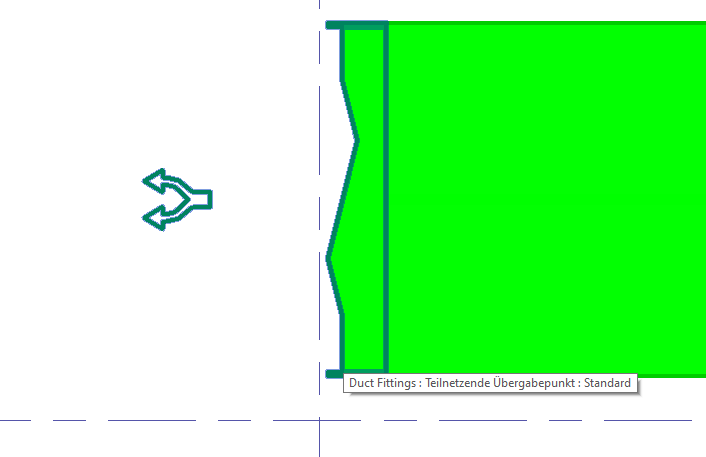
Place a transfer point (Partial Network End Transfer Point) at the end of each route in the individual rooms.
-
Switch to the Analyse tab and select System Assignment....
-
Select a transfer point in the model.
The Transfer Point dialog opens.
-
Enter a Name for the transfer point.
-
Click
 New Entry to select the system classes that are to supply the room.
 -
Close the Transfer Point dialog by clicking OK.
-
Perform the above steps for the other transfer points in your model.
You have connected the MEP spaces of your model to your route with transfer points and assigned the desired system classes to the transfer points.