-
Click Generate Pipe Route ... <
-
Select the pipe routes for which you want to generate pipes. Confirm your selection with Enter.
A tooltip prompts you to select the starting point for generating the pipe route. For pipes with slopes, the starting point is assumed to be the highest point.
-
Click to select the starting point of the pipe route.
When you generate the pipe route for the first time, the Material Settings dialog opens.
-
Check the material assignments in the Material Settings dialog and confirm the assignment by clicking Apply.
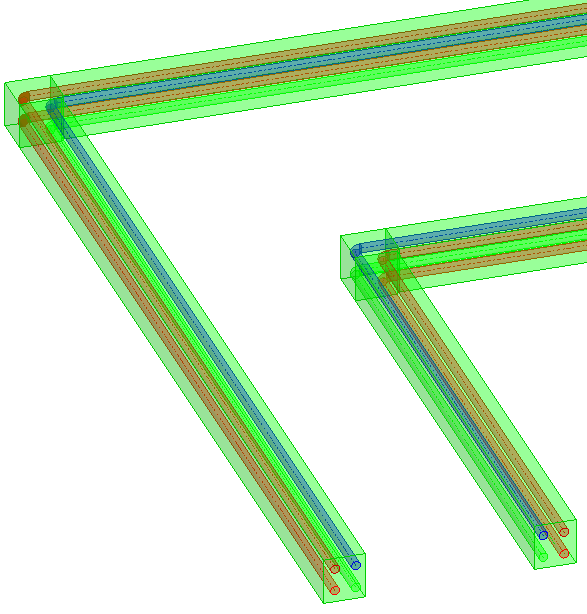
In the selected pipe route, the pipes of the assigned cross-sections are generated with the respective materials.