-
Click Draw Cross Section <.
-
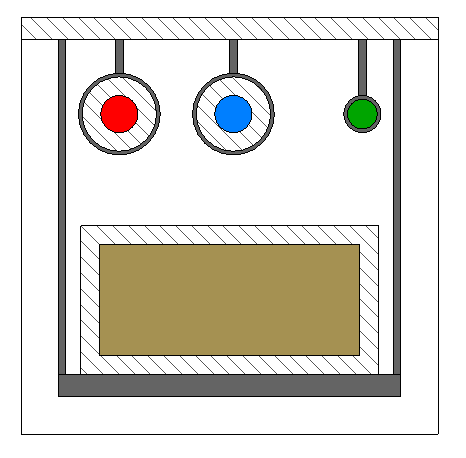
Select a pipe route segment with an assigned cross section.
The assigned cross-section is opened in a drawing view.
LINEAR Revit V26
Shows step by step how to display the cross-section of a pipe route in drawing view.
Click Draw Cross Section <.
Select a pipe route segment with an assigned cross section.
The assigned cross-section is opened in a drawing view.