-
Click Assign Cross Section <.
-
Select the pipe routes to which you would like to assign a cross-section. Confirm your selection with Enter.
The Cross Sections dialog opens.
-
Select the cross-section you would like to assign to the pipeline corridor and click OK.
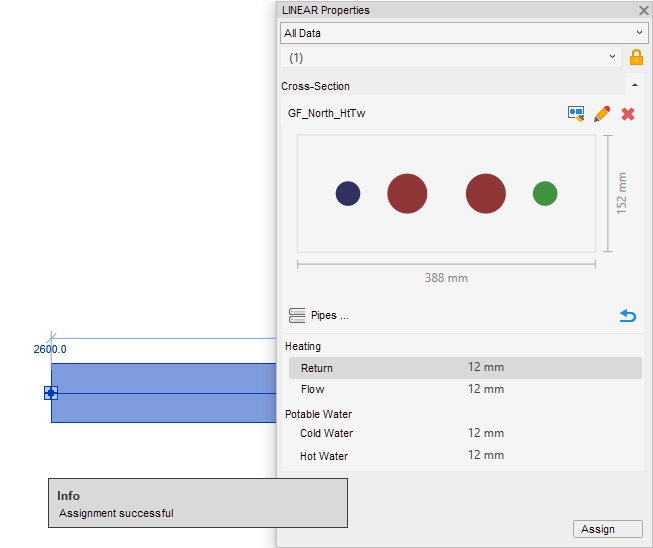
A confirmation is displayed and the desired cross-section is assigned to the selected pipe route segment. You can check the assignment in the LINEAR properties.