-
Click Adjust Dimensions.
-
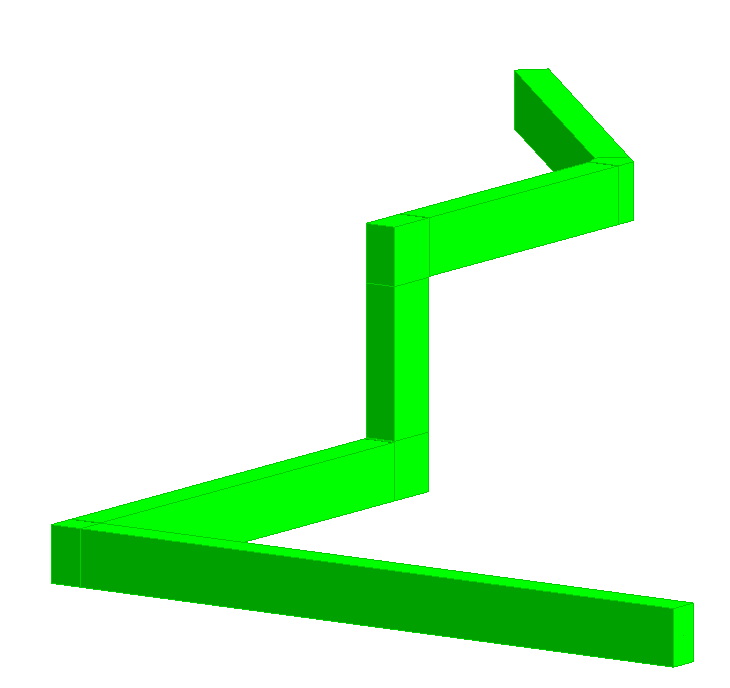
Select the pipe routes for which you would like to adjust the dimensions. Confirm your selection with Enter.
-
Select a start element.
The selection of a start element is necessary to correctly configure the pipes across corners and height changes.
A confirmation is displayed. The pipe route dimensions have been adjusted based on the dimensions of the assigned pipe route cross-section.