-
In the Available Parameters area, click the button
 Add.
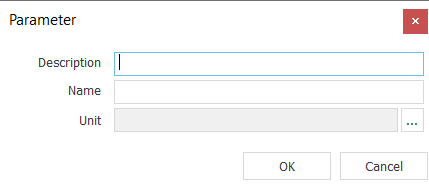
Add.The Parameter dialog opens.
-
Enter a name for the parameter in the Name field.
-
Click the
 button to the right of the Unit field.
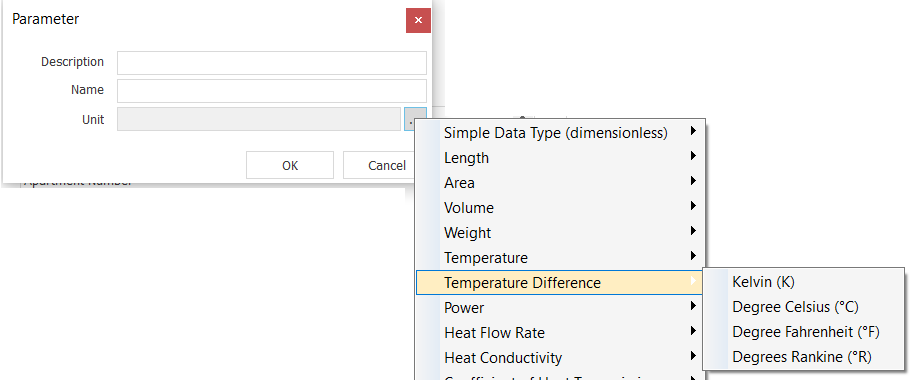
A context menu for defining the parameter unit opens.
-
Select a unit for the parameter.
-
Click OK.
The user-defined parameter is created and is available for use in property sets.