-
Click on
 under Available Parameters.
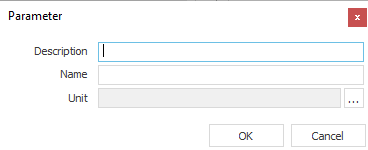
The Parameters dialog opens.
-
Enter a Description and a name for the parameter (e.g., R-Value Floor Covering) and click on
 .
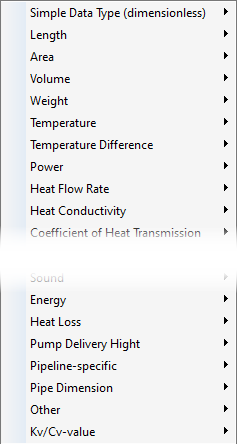
.The following context menu opens:
-
Select a unit for the Heat Resistance Coefficient and click OK.
You have created the space parameter for the R-values depending on the floor covering. The parameter is selected in the list of available parameters.
-
Click on
 to assign the newly created space parameter to the property set that also contains the space parameter for the type of floor covering.
 -
Close the Properties Sets dialog by clicking Close.
-
Select the Room Data Sheet view of the property set to which you have added the newly created parameter and click on
 Typed Value Input in the toolbar.
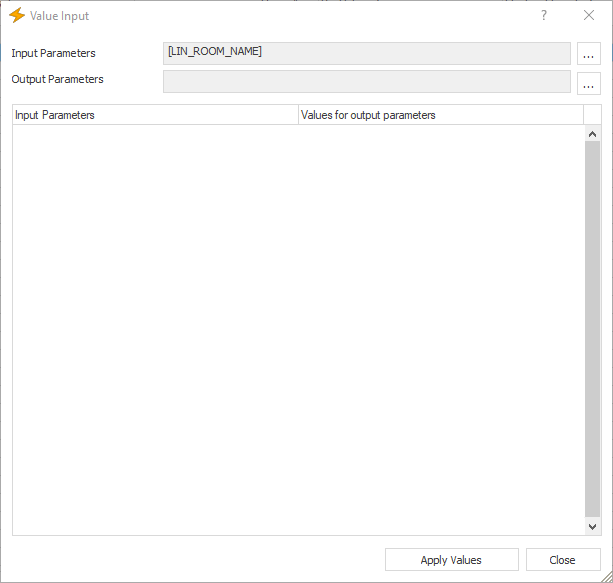
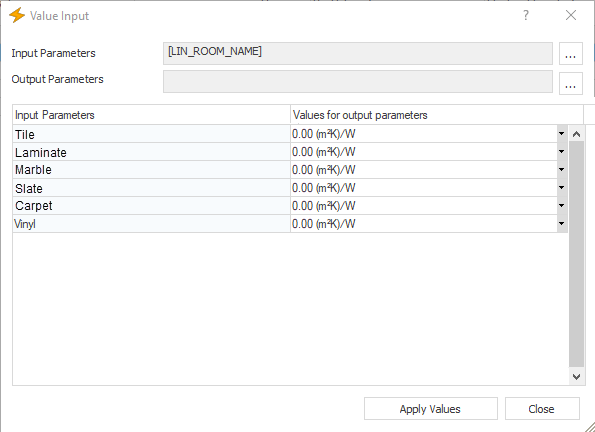
The Value Input dialog opens.
-
In the Input Parameters row, click
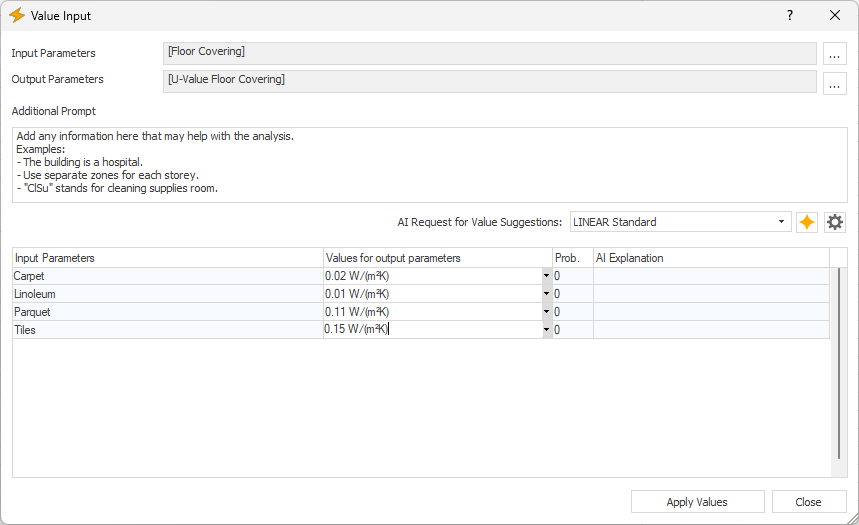 and select the space parameter for the type of the floor covering from the context menu.
 -
In the Output Parameters row, click
and select the space parameter you created earlier from the context menu.Input and output parameters have been defined, and the different floor coverings are listed in the table for value input.
-
Enter the respective R-values for the individual floor coverings and click on Apply Values.
A message appears informing you how many values were successfully applied and, if applicable, how many were not applied.
-
Close the note and the Value Input dialog.
You have created the space parameters for the R-values depending on the floor covering for the design of radiant heating and cooling systems.