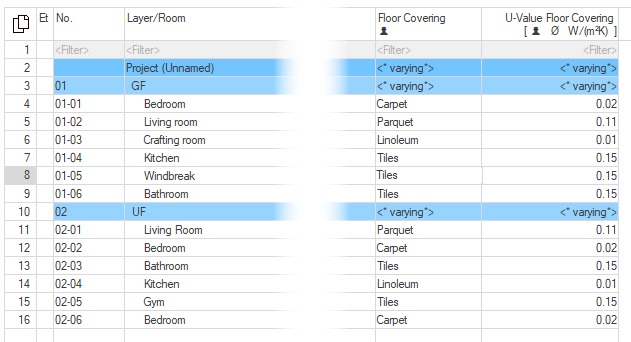
-
Click on
 Data Type-Specific Value Input in the toolbar.
The dialog Value Input opens.
-
Click on the button
 to the right of the field for the Input Parameters.
A context menu opens in which the available parameters are grouped into categories and property sets.
-
Select one or more Input Parameters.
The selected parameter is transferred to the Input Parameter field. The Input Parameter column displays the values of these parameters.
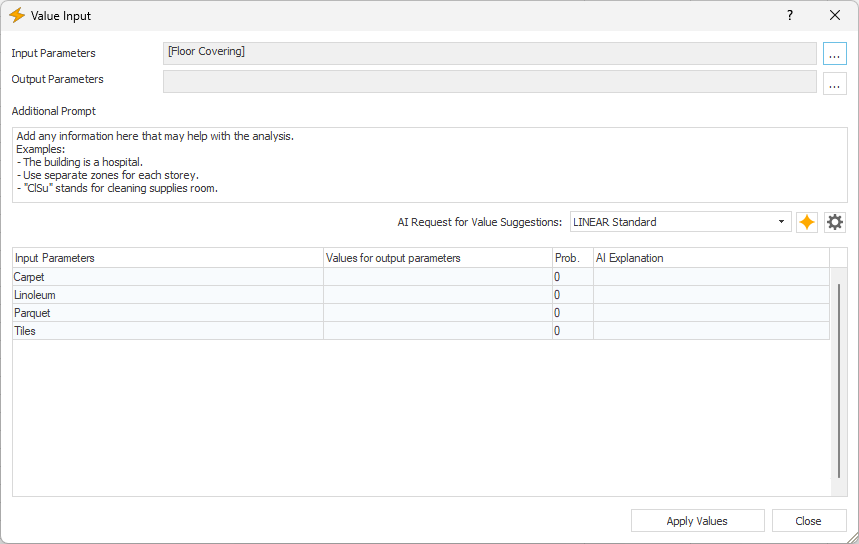
-
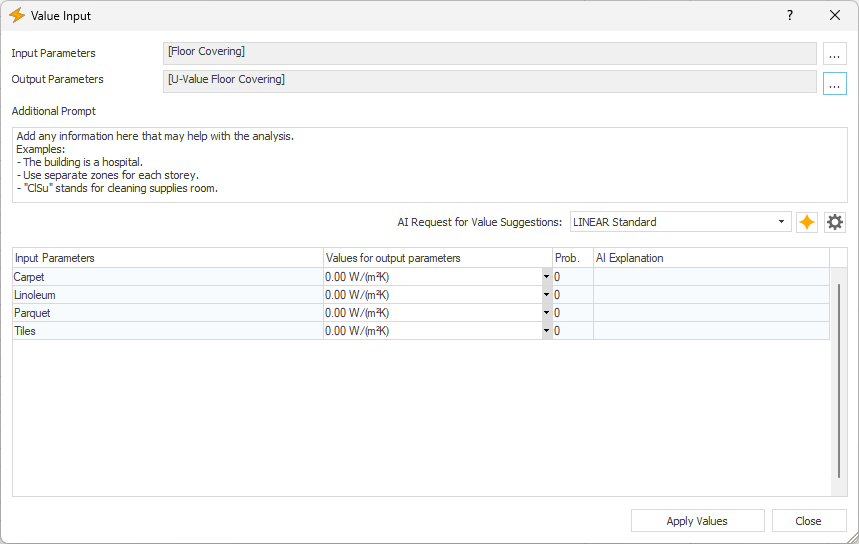
Select an Output Parameter in the same way as you selected an Input Parameter.
The selected parameter is transferred to the Output Parameter field. Any existing values for the Output Parameter are displayed in the Values for Output Parameter column and otherwise listed with the value zero.
-
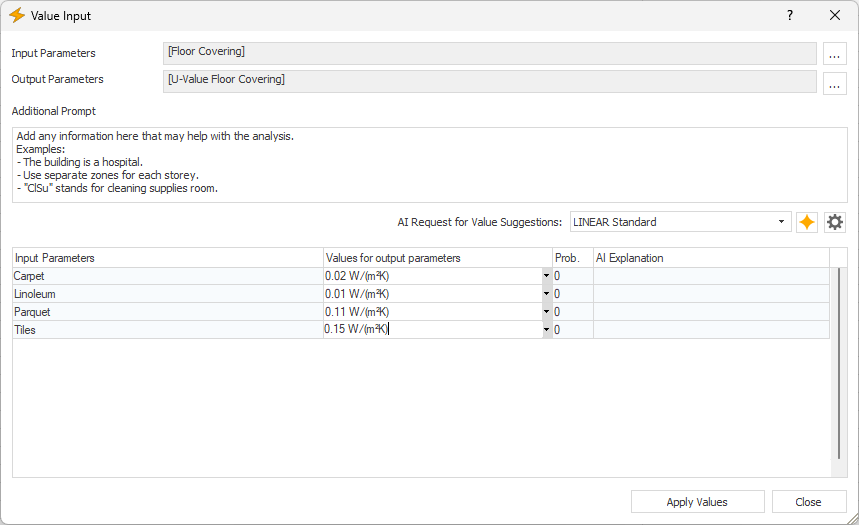
In the column Values for Output Parameters, enter the desired values for the output parameter.
-
Click the Apply Values button.
The values have been assigned to the output parameter and carried over to all input parameters with the same name in the room data sheet.