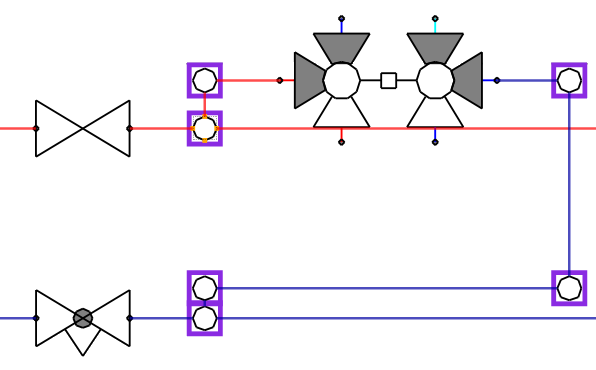
-
Click on the button
 to start the Reroute Bend/T-piece function.
The elements that can be selected for repositioning are highlighted with a colored outline.
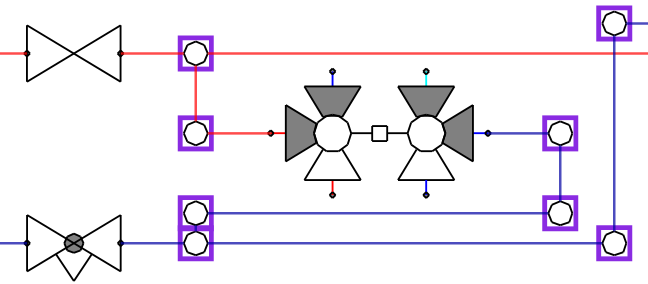
-
With the first click, select an element from the pipe run section that is to be rerouted via a T-piece or a bend.
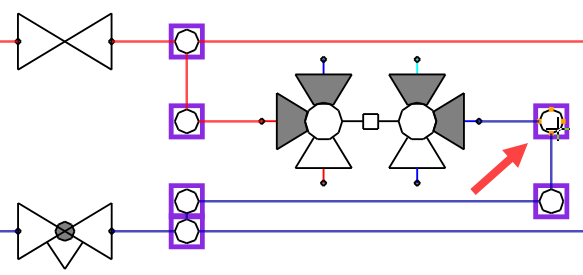
-
Hold down the Ctrl key and use the second click to select the T-piece or bend through which the pipe run is to be routed.
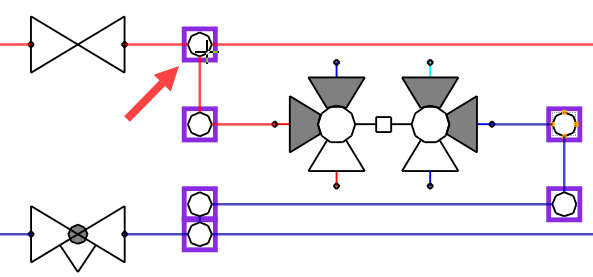
The pipe run was transferred to the opposite side with all components via the selected T-piece or bend.