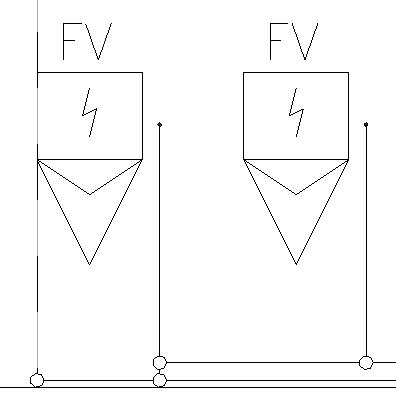
-
Click on Align elements <.
-
In the diagram, select an element to which you want to align an element, e.g. a vertical or horizontal pipe.
The selected reference pipe is highlighted with a broken blue line, in this case on the vertical axis.
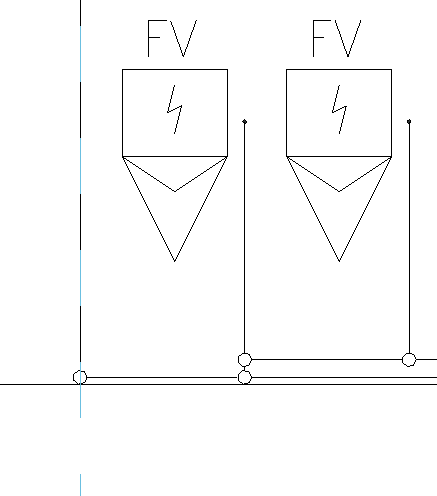
-
Select the line of an element that you want to align with the selected reference line, e.g. the left side of a urinal.
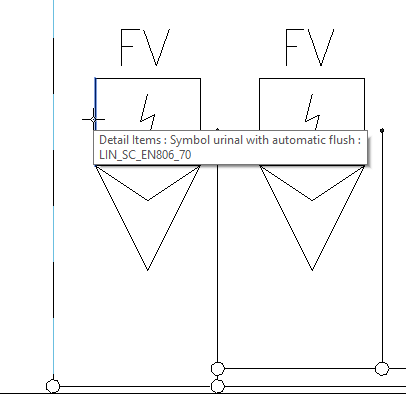
The selected element is aligned with the reference line.