-
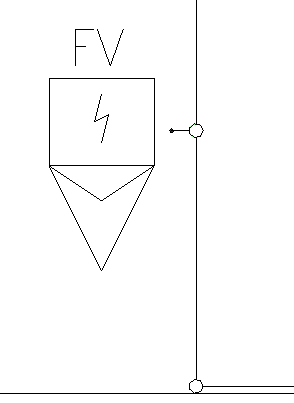
Click on Connect symbol <.
-
Select the symbol that you want to connect to a pipe and confirm your selection with Enter.
-
Select the pipe to which you want to connect the symbol.
The symbol has been connected to the pipe.