-
Click on Move pipe <
-
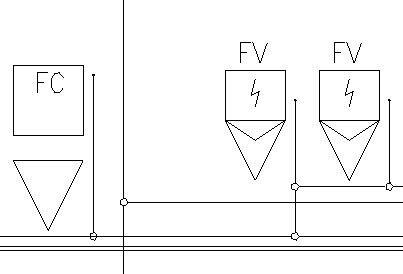
Click on the horizontal or vertical pipe that you want to move.
The pipe hangs on the mouse pointer and is highlighted in color.
-
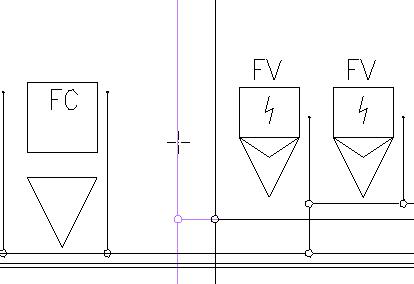
Determine the new position of the pipe with a click.
The pipe has been placed in the new position and connected pipes have been moved along.