-
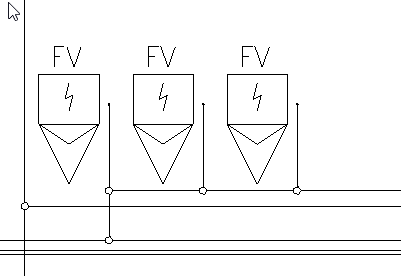
Click on Move symbol horizontally < or Move symbol vertically <.
-
Select the symbols to be moved and confirm your selection with Enter.
The symbols are attached to the mouse pointer and you can move them horizontally or vertically depending on the command selected.
-
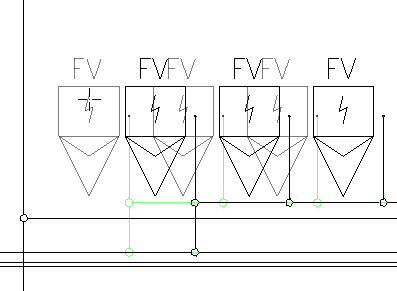
Determine the new position of the symbols with a click.
The symbols have been placed in the new position and connected pipes have also been moved.