-
Click the button
 to start the Pipe Run Flip function.
 -
Select the area with all its components that you want to move to the opposite side of the risers.
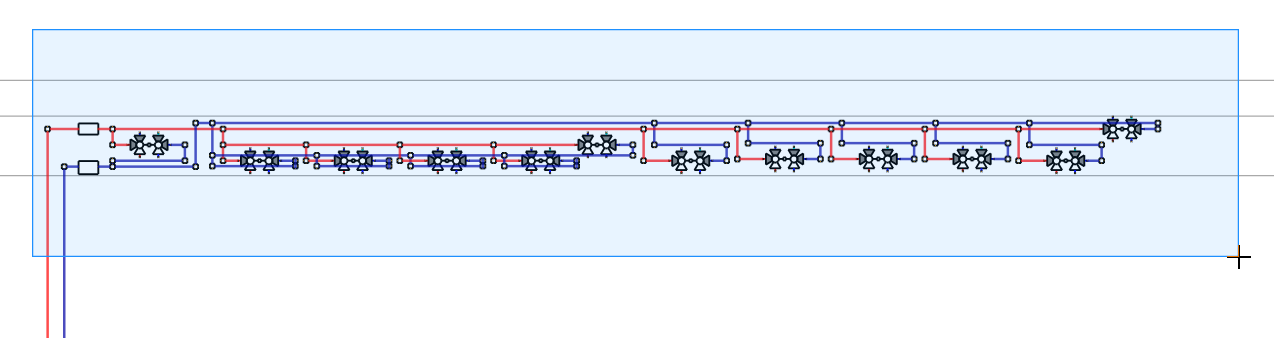
-
Click to select the first vertical pipe to be transferred to the opposite side.
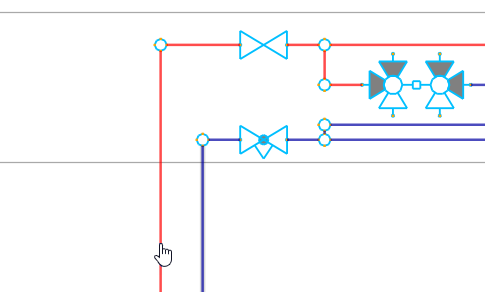
-
Click to select the second vertical pipe on the opposite side to which the transfer is to be made.
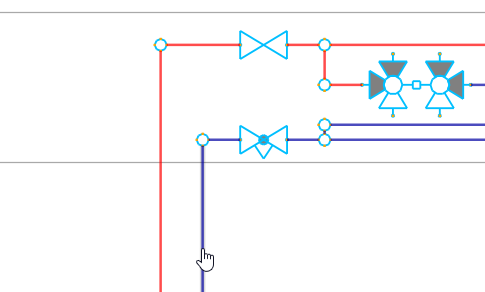
The pipe section has been transferred to the opposite side of the risers with all connected components.
