-
Click on Print Scheme
 in the toolbar.
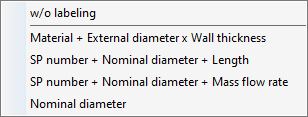
The following context menu opens.
-
Specify whether and with what information the pipe sections of the scheme should be labeled.
The dialog Scheme: (…) opens.
-
Check the pipe run scheme of the calculated pipe network.
-
Click on Printer Setup to define the default settings for the print output in the following dialog.
-
Click Print.
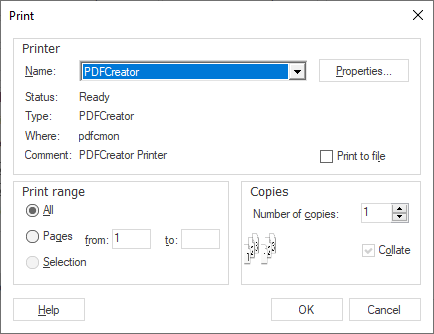
The dialog Print opens.
-
If necessary, adjust the printer to be used under Name: and specify other desired settings for the subsequent print output.
-
Click OK.
The pipe run scheme was output with the desired options.