-
Open the Riser Symbols section, if necessary.
-
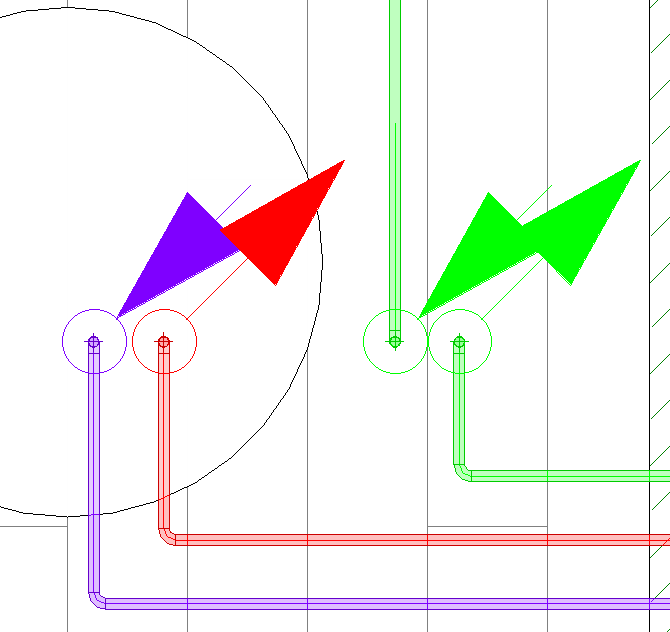
Activate the Apply system color option if the symbols are to be placed in the system colors of the respective riser.
-
Activate the Fix to pipe option if the position of the symbols is to be linked to the pipe position and the symbols are expected to be updated.
-
Click Riser symbols < and follow the instructions of the program.