-
Click Material Export
 in the Toolbar.
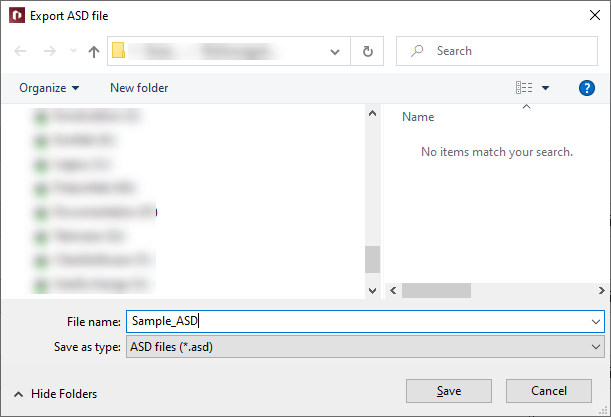
The dialog Export ASD file opens.
-
If necessary, adjust the file name and set the save path.
The material data from the pipe network calculation was exported to an .ASD file.
LINEAR Revit V26
Shows step-by-step how to export material data from pipe network calculations to an .ASD format.
Click Material Export in the Toolbar.
The dialog Export ASD file opens.
If necessary, adjust the file name and set the save path.
The material data from the pipe network calculation was exported to an .ASD file.