-
Click on .
-
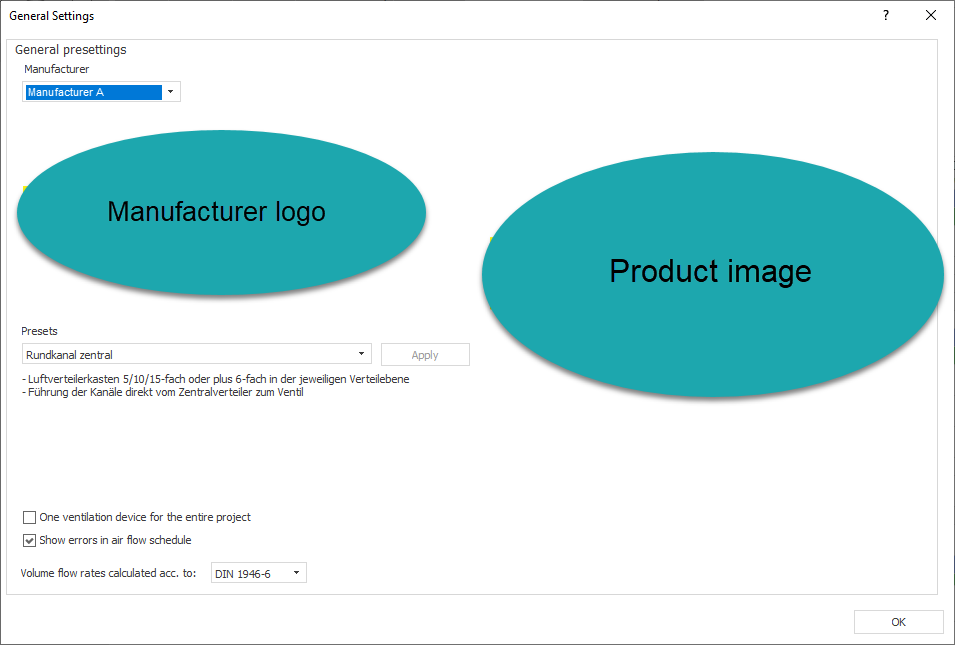
Select a manufacturer and a preset.
-
Click Apply.
-
Select the option One Ventilation Unit for Entire Project if you are planning a central ventilation unit for your project.
-
Close the dialog with a click on OK.
The selected manufacturer is used with the selected preset for laying out the ventilation components.