-
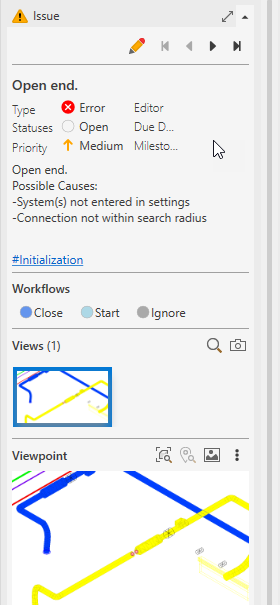
Click the issue that contains the view you want to update.
-
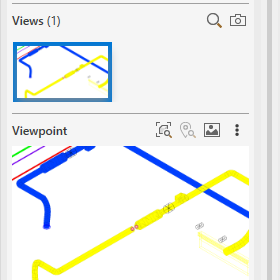
Click the view you want to replace in the Issue section under Views.
The view opens in the Viewpoint section below.
-
Click
 Actions within the Viewpoint section. Next, click Update view.
 -
Confirm the action in the following dialog with Yes.
The selected view is updated.