-
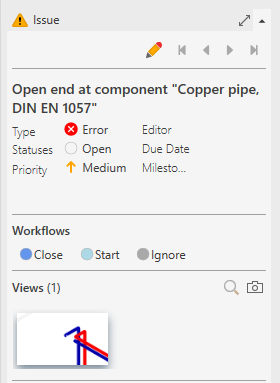
Click the issue to which you want to add a view.
-
Open the Issue section.
-
Configure your model view.
-
Click Add New View in the
 View section.
The new view is created and appears in the Viewpoint section.