-
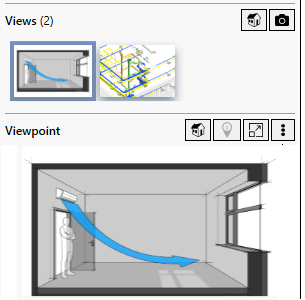
Click the issue to which you want to add an external image.
-
Click
 Actions under Viewpoint within the Issue section. Next, click Select image file.
 -
Select the file you want to attach and click Open.
The selected file is added.