-
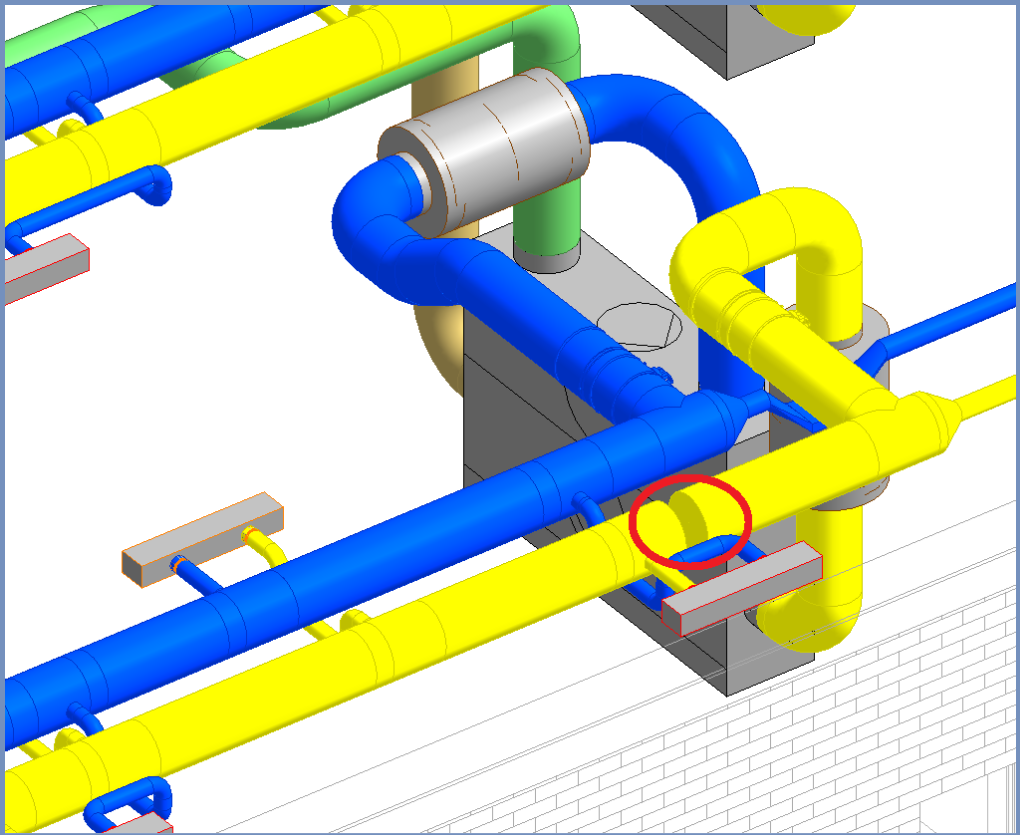
Click the issue that contains the view you want to edit.
-
Click the view you want to edit within the Issue section.
-
Click
 Actions under Viewpoint. Next, click Edit Image File.
The view is opened with the image processing program. The default is MS Paint.
-
Edit the view as desired and save the file. Close the image processing program.
The edited view is saved.