-
Click the issue whose views you want to link to components.
-
Open the Issues section, if necessary.
The Issues section is open and displays the contents of the selected issue.
-
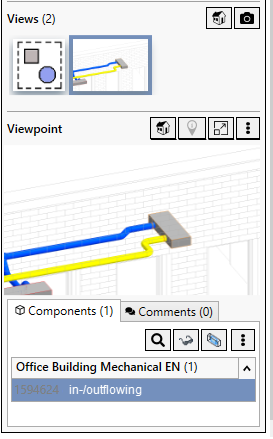
Click the view to which you want to link components under Views.
-
Open the Components tab under Viewpoint.
-
Click
 Actions and then click Add Components.
 -
Select the components and confirm your selection with Enter.
The components are linked to the view.