-
Click the issue whose views you want to link to locations.
-
Click the view to which you want to link a location within the Issue section under Views.
-
Click
 Actions under Viewpoint. Next, click Select a New Location.
 -
Follow the instructions that appear.
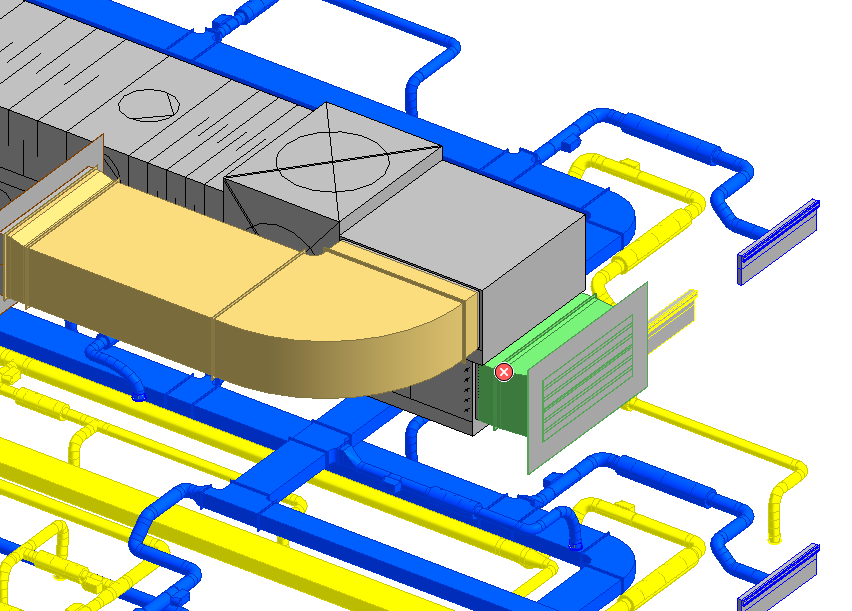
The selected reference point is linked to the view and can be displayed by clicking  Show Location. The reference point is marked with a warning triangle.