-
In the scheme view, click a radiator symbol
 .
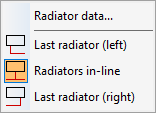
.The following context menu opens:
-
If necessary, click the desired connection variant to assign it to the radiator.
-
In the context menu, click Radiator data....
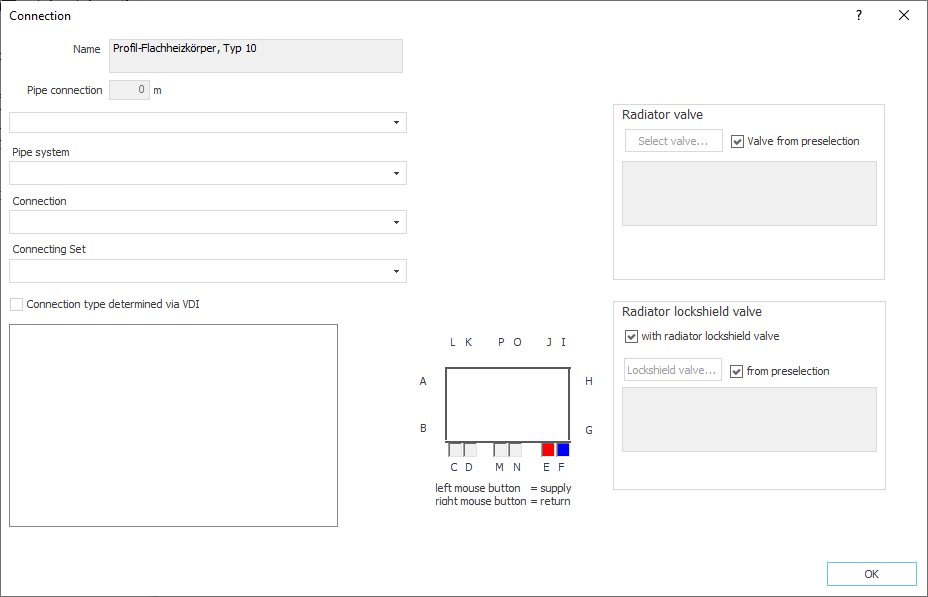
The Connection dialog opens.
-
Make the desired settings and confirm by clicking OK.
The connection of the radiator is set.