-
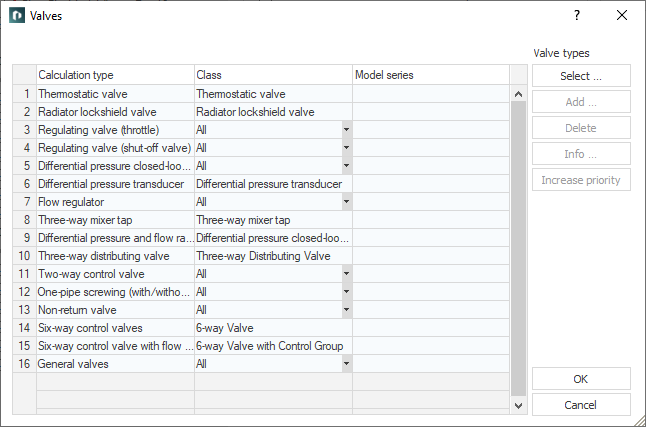
Click Valves... in the Material section.
The Valves dialog opens.
-
Click Add....
-
Select the desired valve type in the context menu that appears.
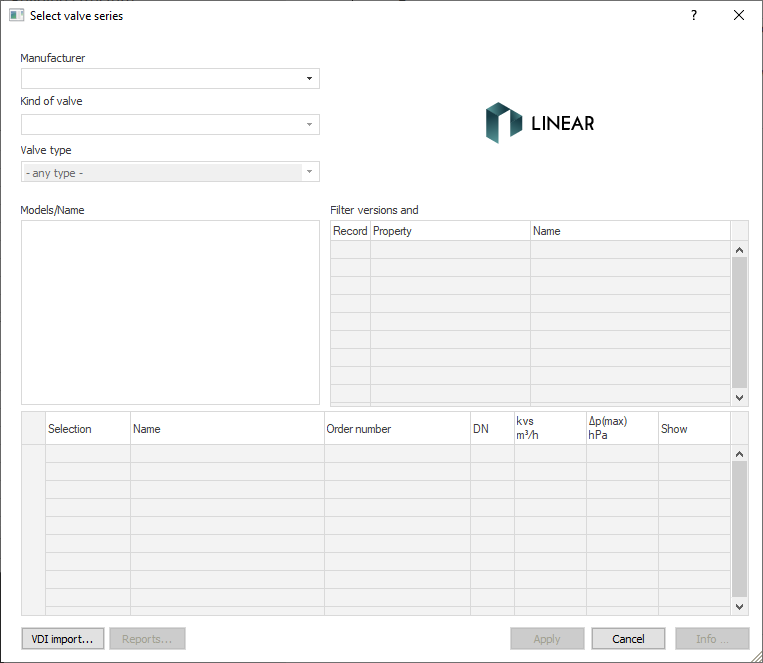
The Select valve series dialog opens.
-
Select a Manufacturer, the kind of valve and, if necessary the valve type.
The available models of the valves are listed in the Models/Name section.
-
Use filter functions of the Variant and Accessory filter section to narrow down the selection of models.
-
Select a model in the Model/Name section.
The table below lists the different versions of the valve model.
-
If necessary, adjust the Selection of the selected version.
-
Add accessories to the valve model by clicking in the corresponding field of the Accessories column, using the
 button to open the Accessories selection dialog and selecting the desired accessory.
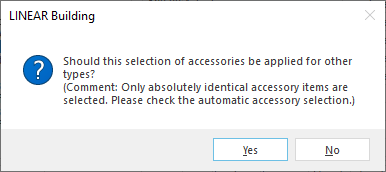
The following query appears:
-
Specify whether the accessories should also be used for other versions.
-
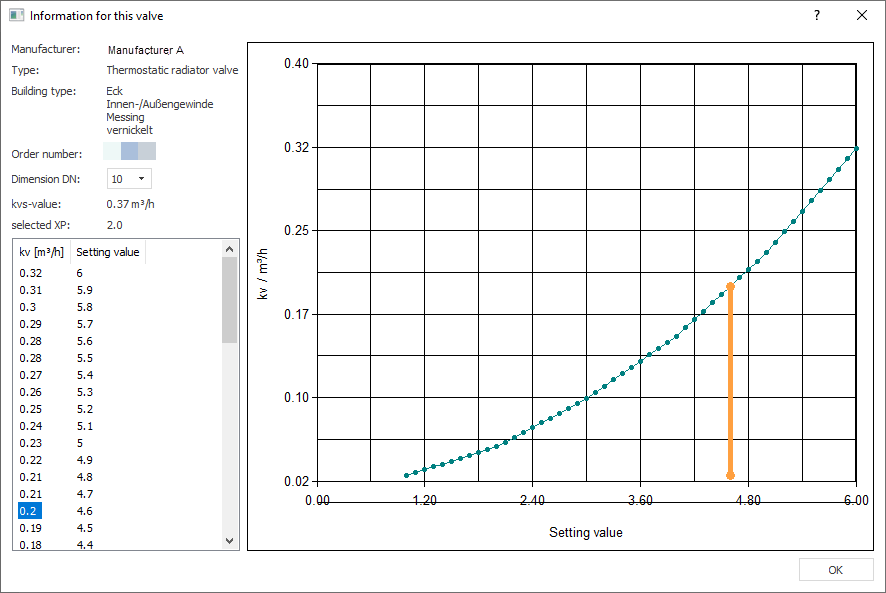
Click the button Info/test.
The following dialog opens and a check of the selected types is performed.
-
If necessary, deactivate types whose check failed.
-
Click Apply.
You have added the valve to the preselection for the pipe network calculation.