-
In the row of the network component to be edited, click on
 Configure parameters for export.
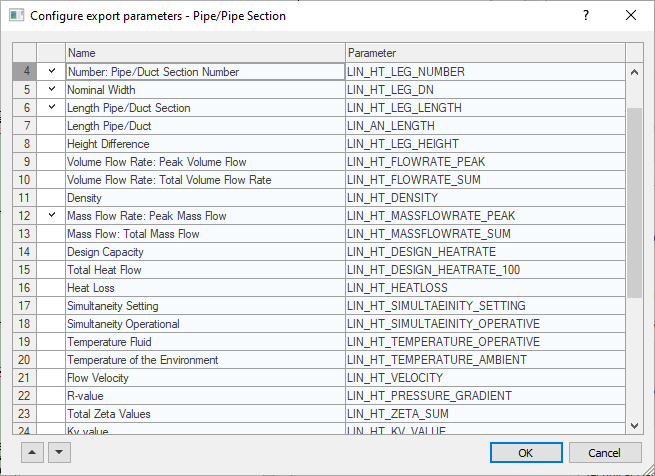
The Configure Export Parameters dialog opens.
-
Select or de-select the needed parameters of the selected network component and click OK.
-
In the Labeling dialog, click on Create Parameters in Network Components to write the selected parameters to the network component and confirm the following prompt with Yes.
-
If you change values or units of network component parameters, you must perform the calculation again and then exit the calculation dialog by clicking OK so that the updated values are saved in the components.
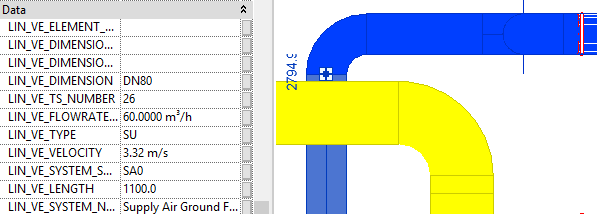
The parameters were written to the network components as configured.