-
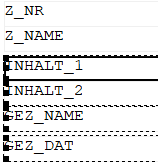
Select an object that you would like to align.
-
While holding down the Ctrl key, select all other objects that you would like to align.
-
While holding down the Ctrl key, at last select the object to which the other objects are to be aligned.
-
In the Align toolbar, click the Adjust you wish to use.
All selected objects were aligned to the last selected object as desired.