-
In the area Productivity, select Flag Plan with QR Code from the drop-down list.
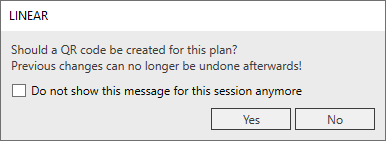
A query opens:
-
Click Yes.
-
Use the mouse to drag a square where you want to insert the QR code.
The QR code is created at the desired location and a message with the message “The QR code has been created and activated” is displayed. The QR code is listed in the dialog QR Code List.