-
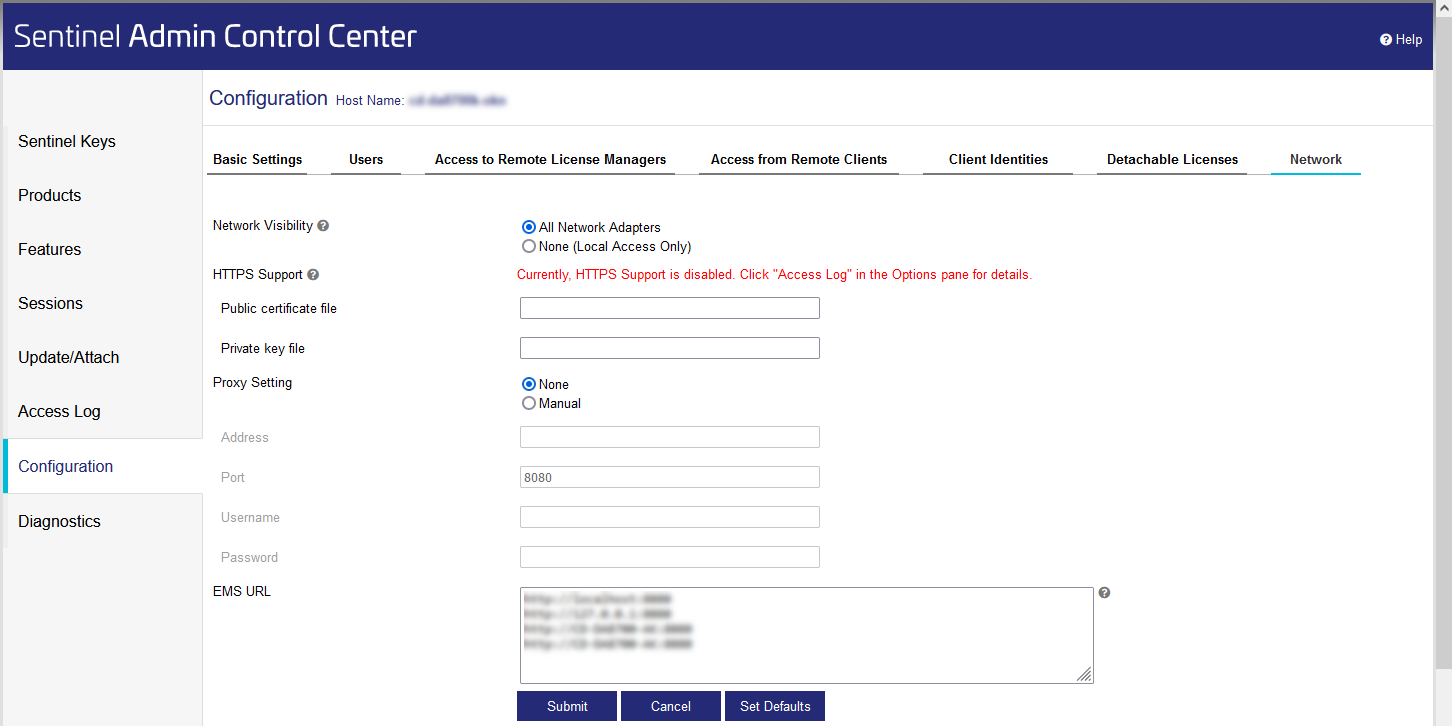
In the Navigation bar, click Configuration.
-
Go to the Network tab.
-
Check if the All Network Adapters option is activated under the Network Visibility point.
-
If necessary, activate the All Network Adapters option and click Submit.
The server displays the software protection in the network.