-
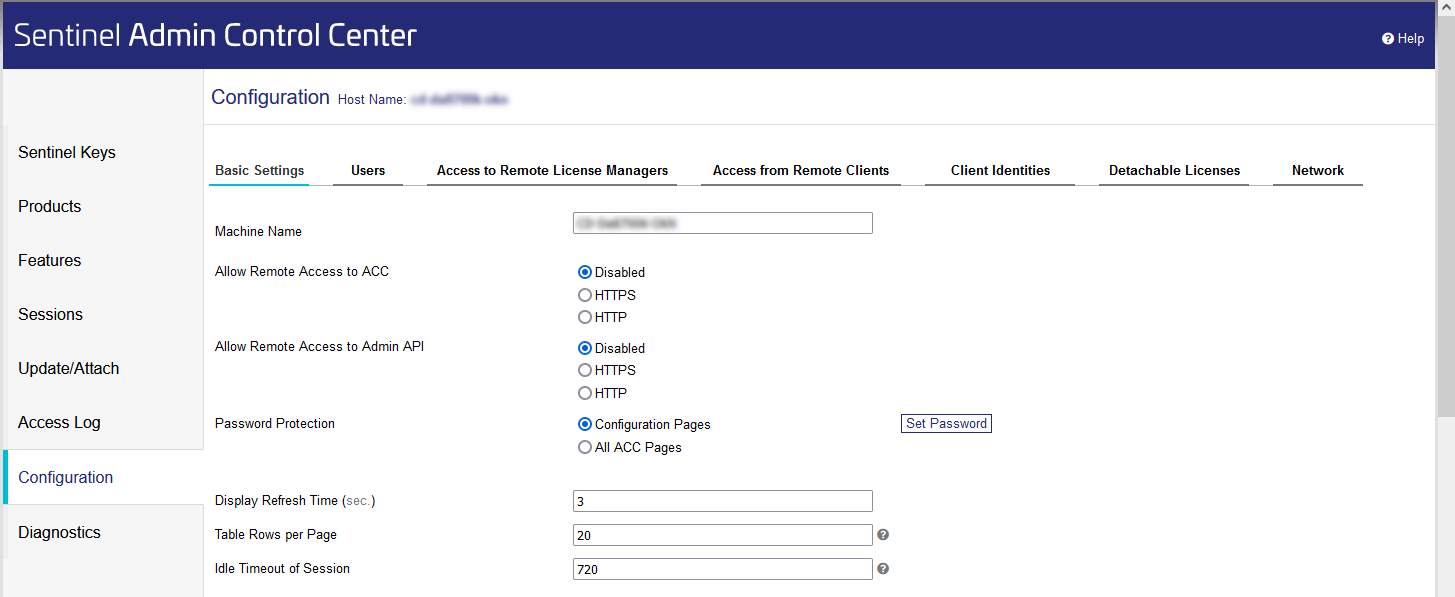
In the Navigation bar, click Configuration.
-
On the Basic Settings tab, under the Allow Remote Access to ACC point, enable the HTTP option.
-
Click Submit.
Users can now see who has which license currently in use.
LINEAR Revit V26
Shows step-by-step how to release view for Architecture objects in the Admin Control Center (ACC).
In the Navigation bar, click Configuration.
On the Basic Settings tab, under the Allow Remote Access to ACC point, enable the HTTP option.
Click Submit.
Users can now see who has which license currently in use.