-
Click Control Center
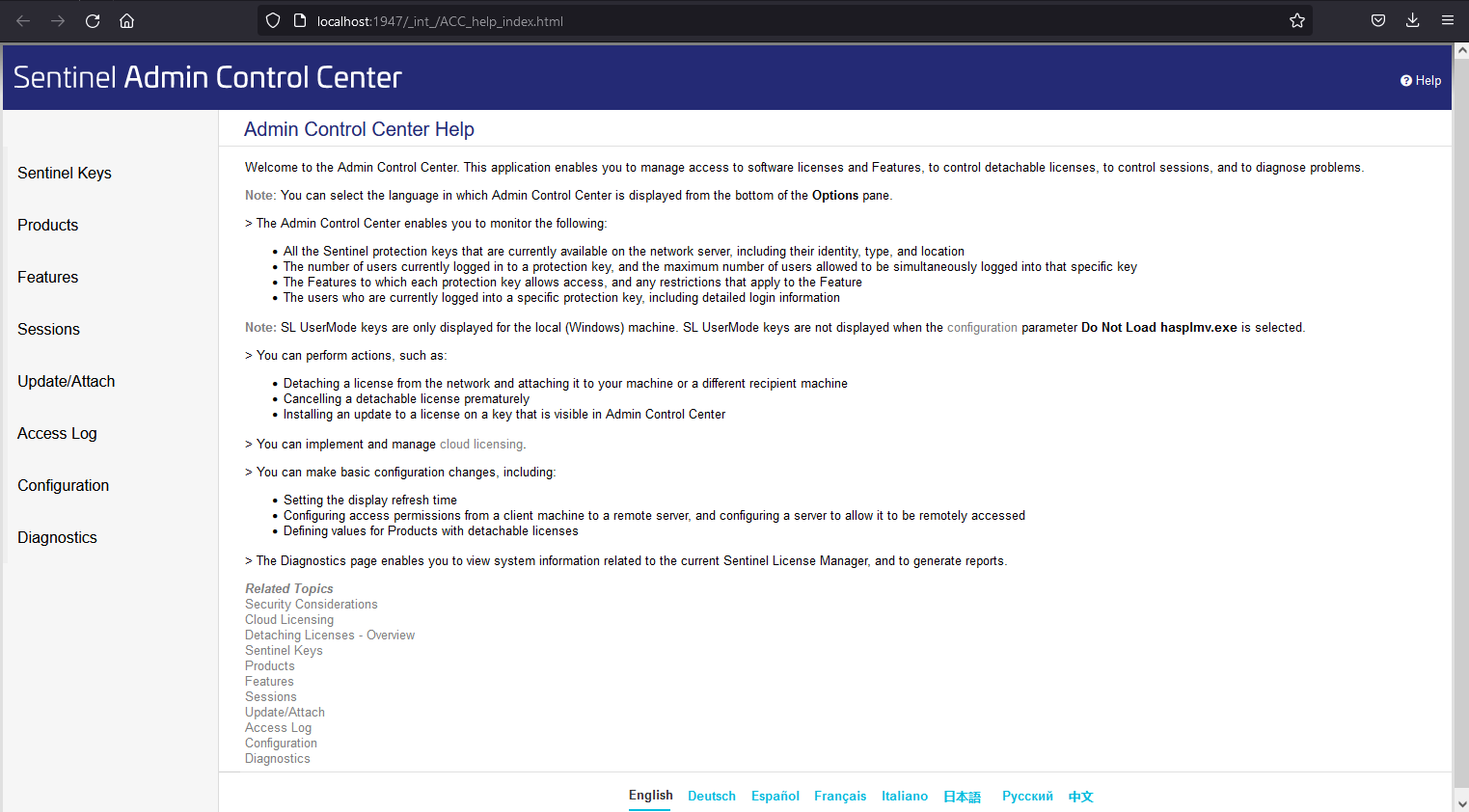
The ACC opens in your web browser.
-
In the address bar you can see in which ACC you are currently working.
-
If the address bar says http://localhost:1947, you are working in the ACC of the system you are currently on.
-
If the address bar does not say localhost, but e.g. http://192.168.301.100:1947, you are working in the ACC of another system.
-
You started the ACC and determined if you are working in the correct ACC.