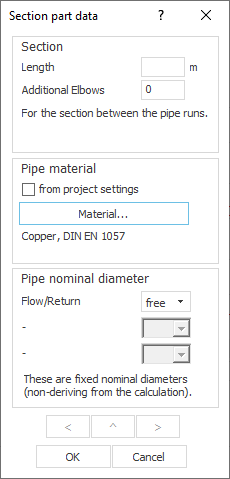
Specify Pipe Material for a Pipe Run
Shows step-by-step how to define a pipe material for a pipe run that differs from the project setting.
Before you begin
You would like to assign a pipe material to a pipe run that differs from the project setting.
Requirement:
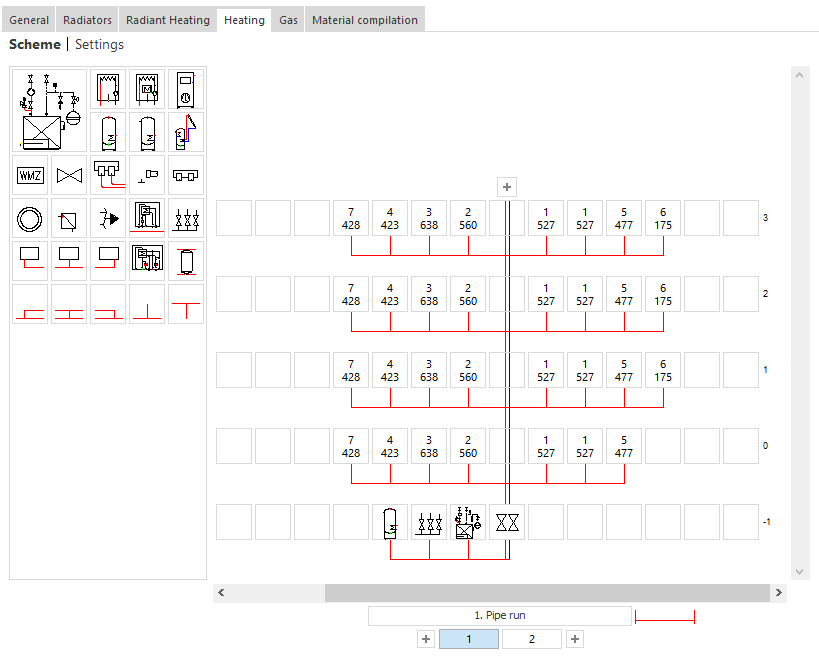
Your project contains at least one storey, so that a pipe run button of the storey is located in the scheme.
Navigate to
Tip:
In the Pipe run material dialog, you can also specify a pipe material that differs from the project setting for all pipes of the corresponding scheme ().
Applies to Heating, Potable water, Waste water and Gas.
Procedure
- Click a pipe run button of a storey (
 ,
,  ). The following context menu opens.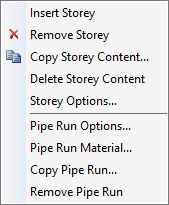
- Select the menu item Pipe run material.... The Pipe run data dialog opens.
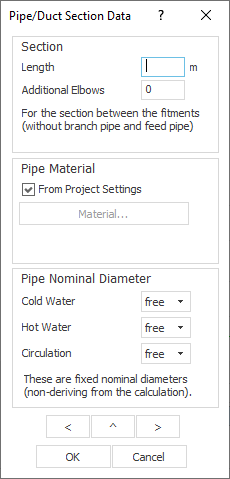
- In the Pipe material section, deactivate the checkbox from Project settings and click the now activated Material... button. The Pipe tables dialog opens.
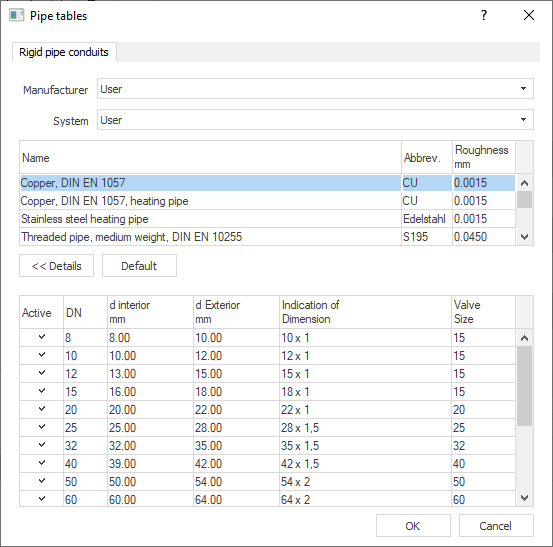
- Select the desired material and confirm the selection by clicking OK. Note: If you would like to use pipe materials of a certain installed and, if applicable, licensed manufacturer data set, you have to select the desired manufacturer in the Manufacturer Selection dialog beforehand, so that the manufacturer is available in the Manufacturer drop-down list of the Pipe Tables ().
Results
You have assigned a pipe material to the pipe run that differs from the project setting.