With this Feature Pack, our dedicated development team is introducing 13 great new features to LINEAR Solutions – including several that significantly advance electrical design with LINEAR.
We’ll highlight a few of these features in this blog post. As always, we’ve clearly documented all other new features in our “What’s New” section.
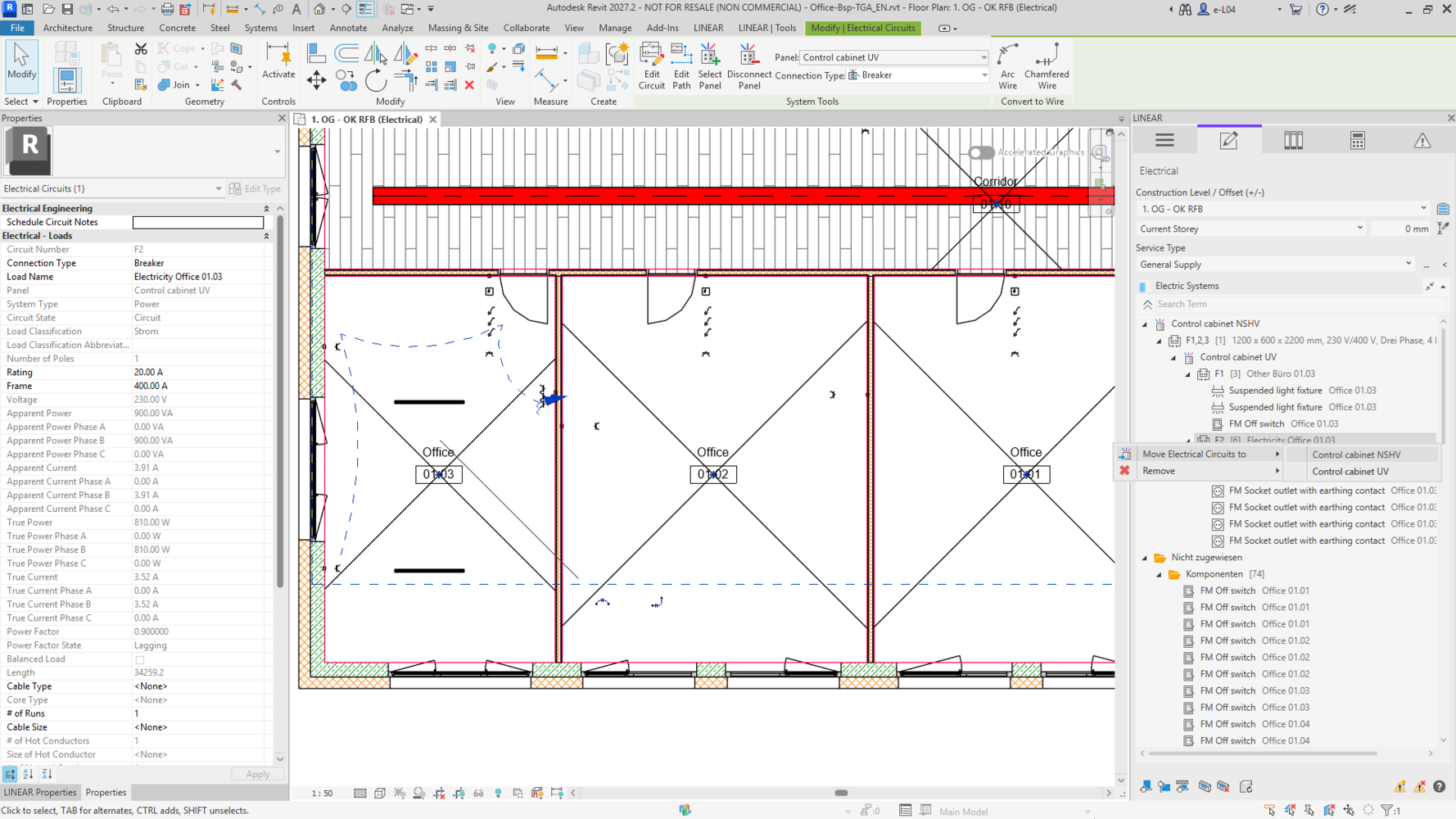
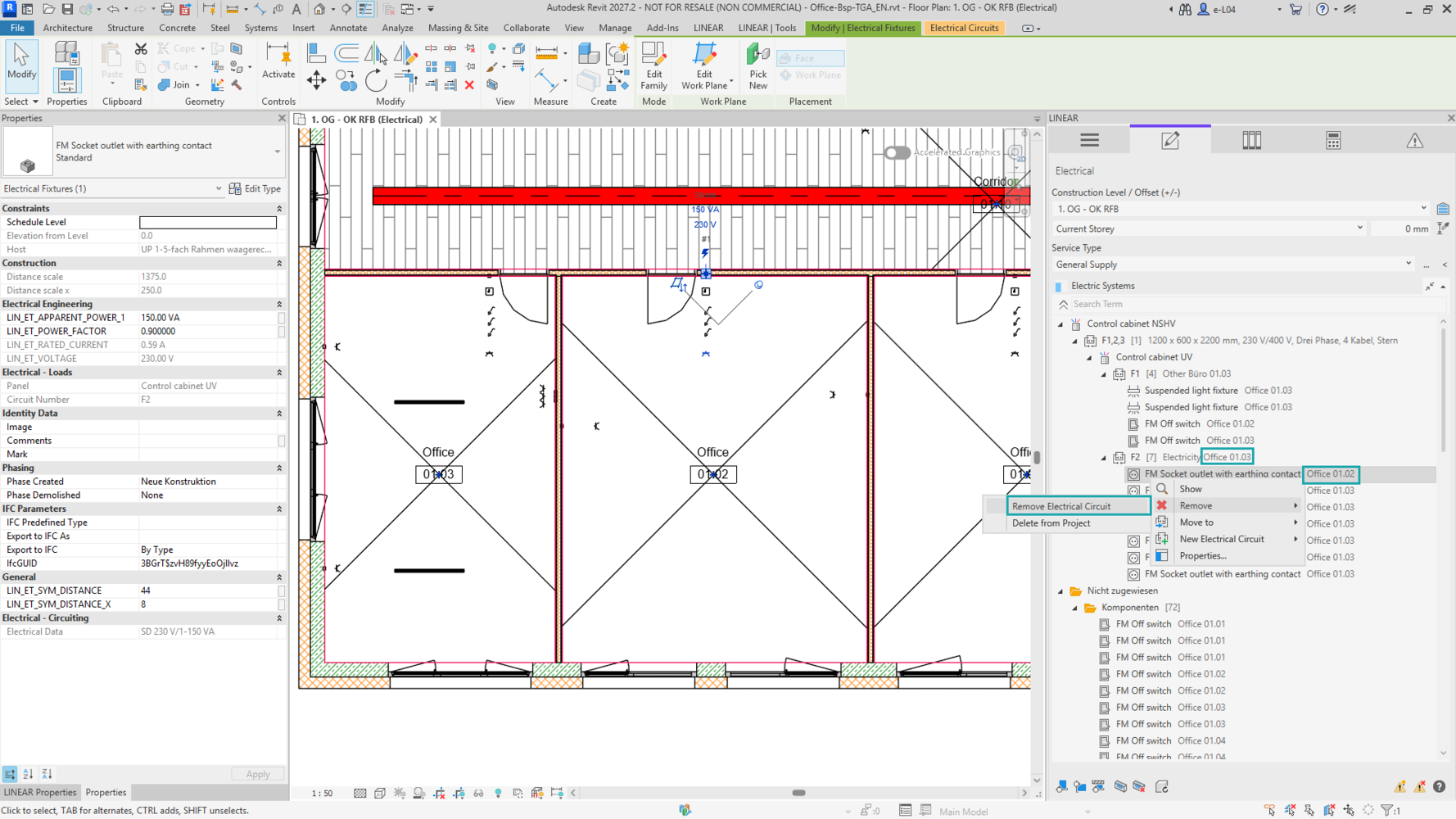
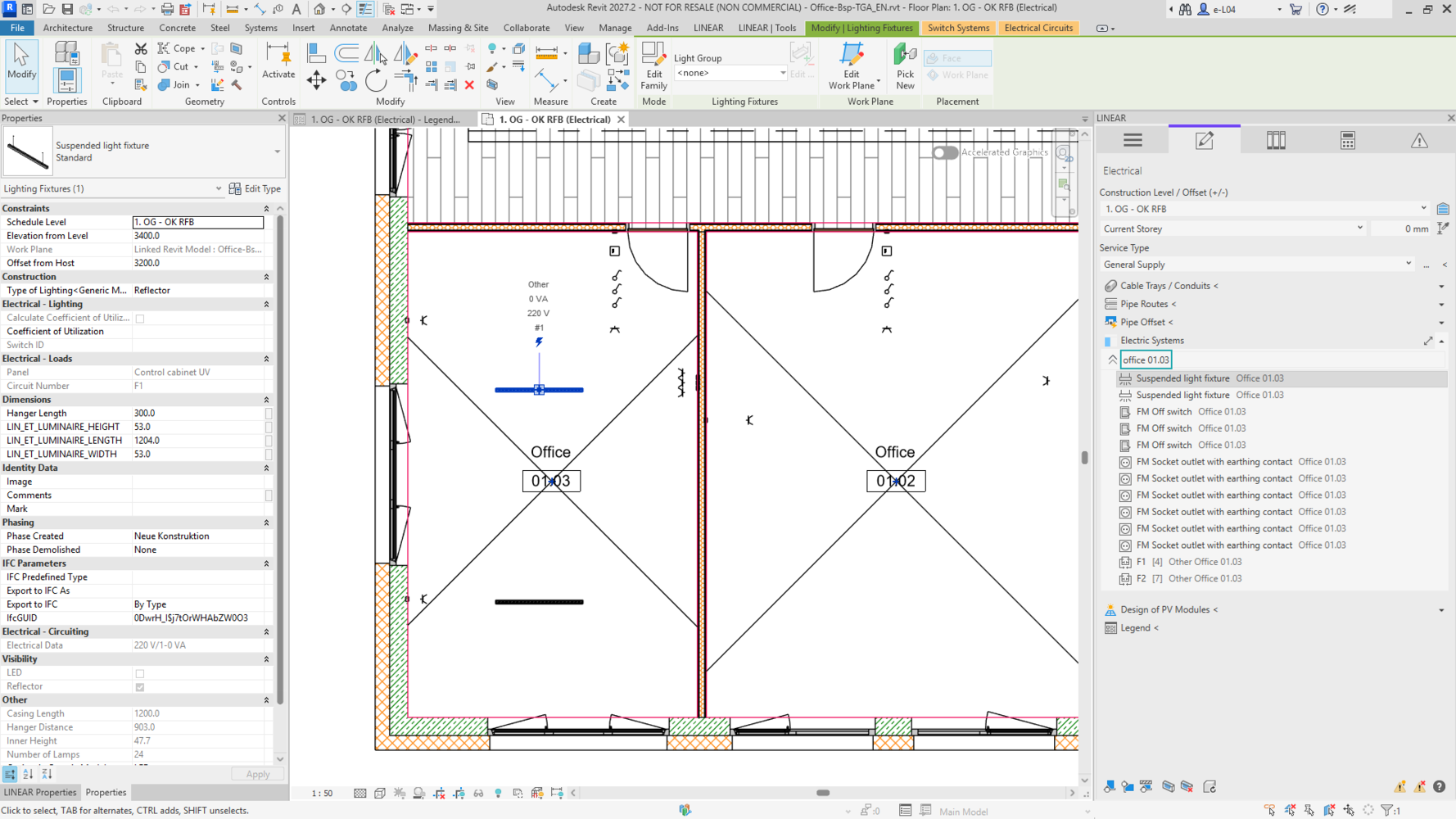
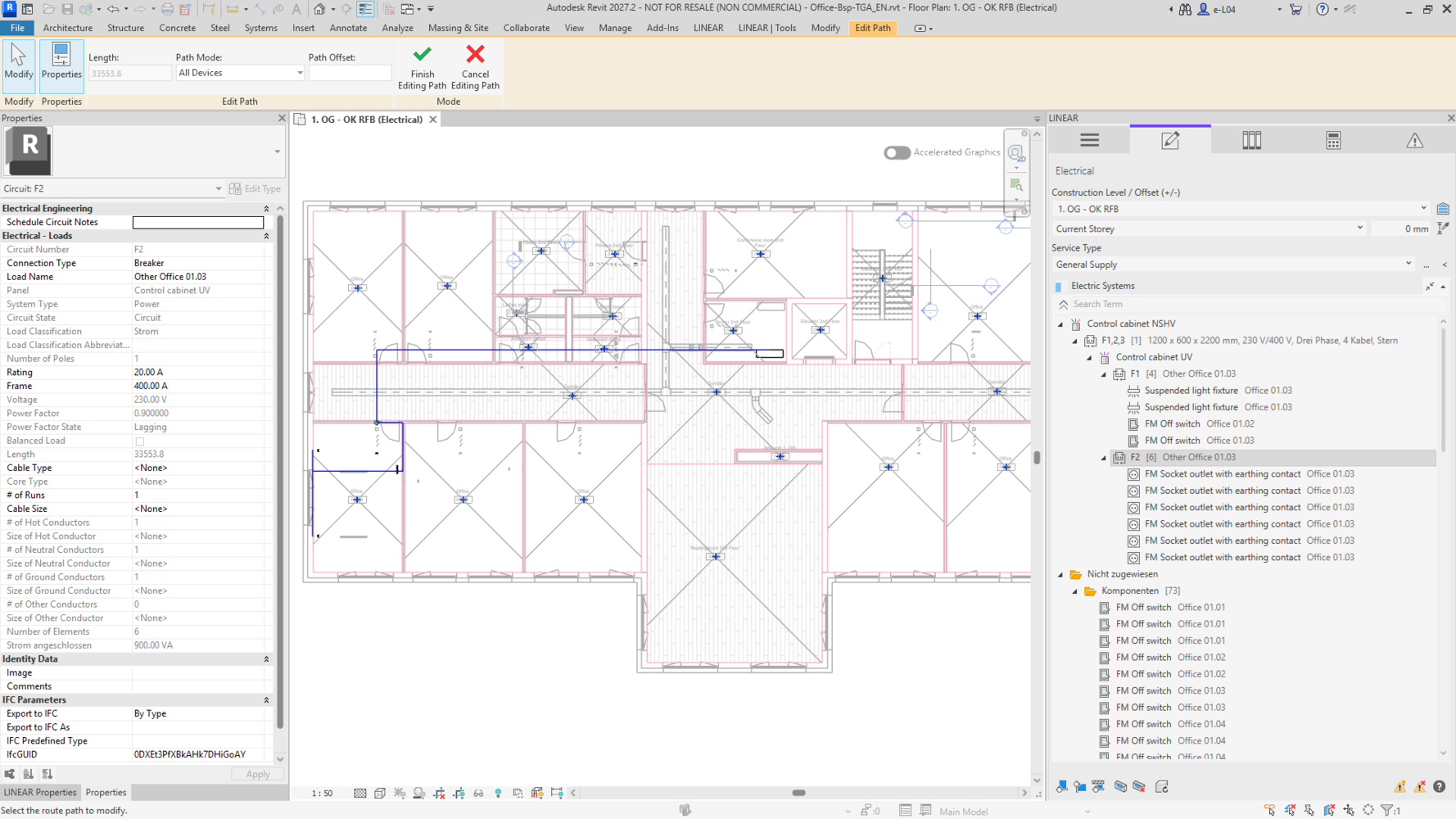
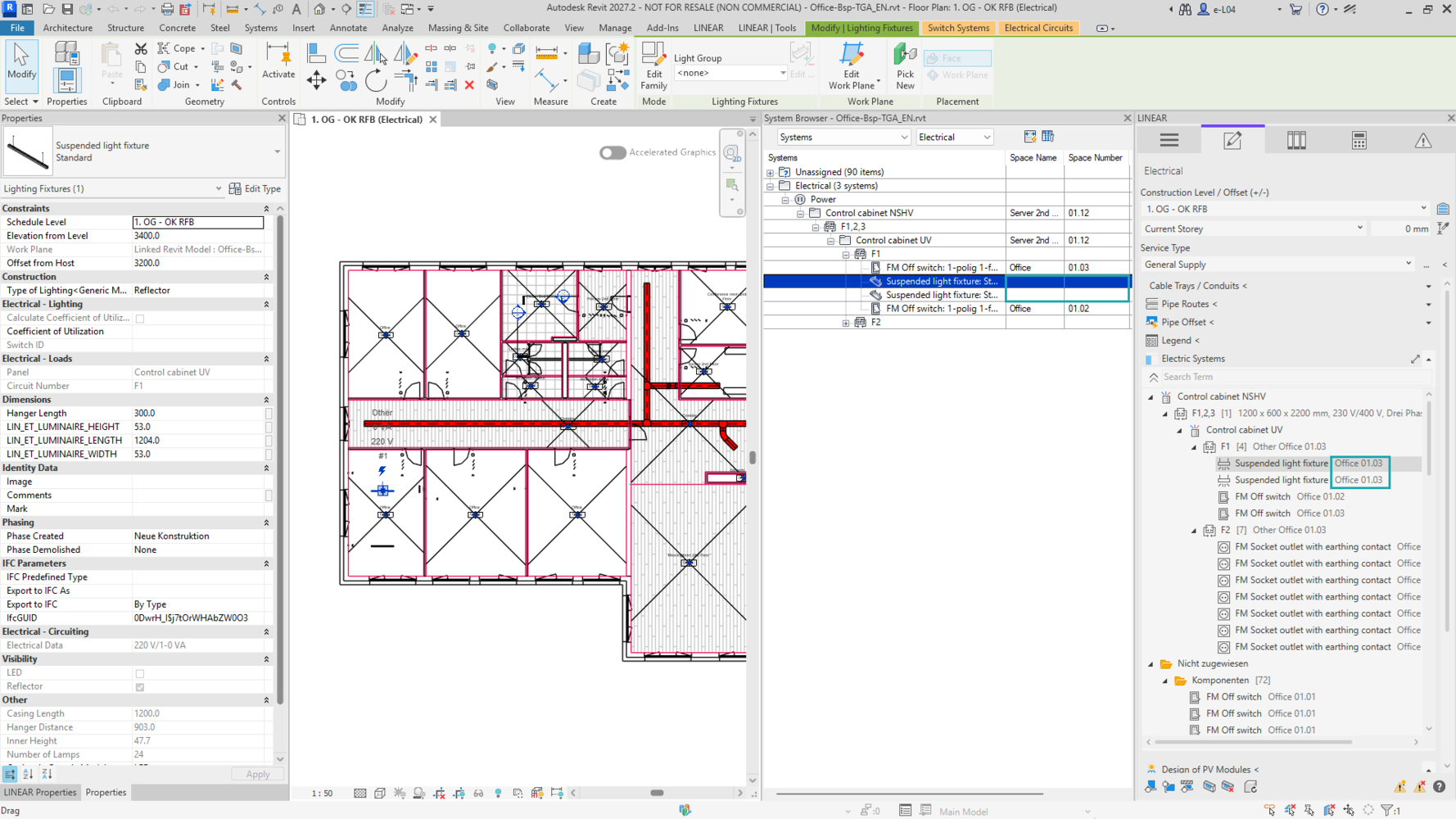
With the “Electrical systems” feature in the LINEAR Control Board, you can organize the electrical structure of your Revit model directly in a clear tree view. The three-level hierarchy of distribution boards, circuits and electrical components makes relationships easy to identify and simplifies the organization and management of even complex projects.
Create and edit circuits using the context menu. Drag and drop components into existing or new circuits, then assign the circuits to the required distribution boards. This allows you to manage the logical connections between your electrical components centrally in the Control Board, saving significant time.
Summary of benefits:
- View distribution boards, circuits and components in a hierarchical structure
- Create and edit circuits directly using the context menu
- Assign components to existing or new circuits using drag and drop
- Assign circuits to the required distribution boards
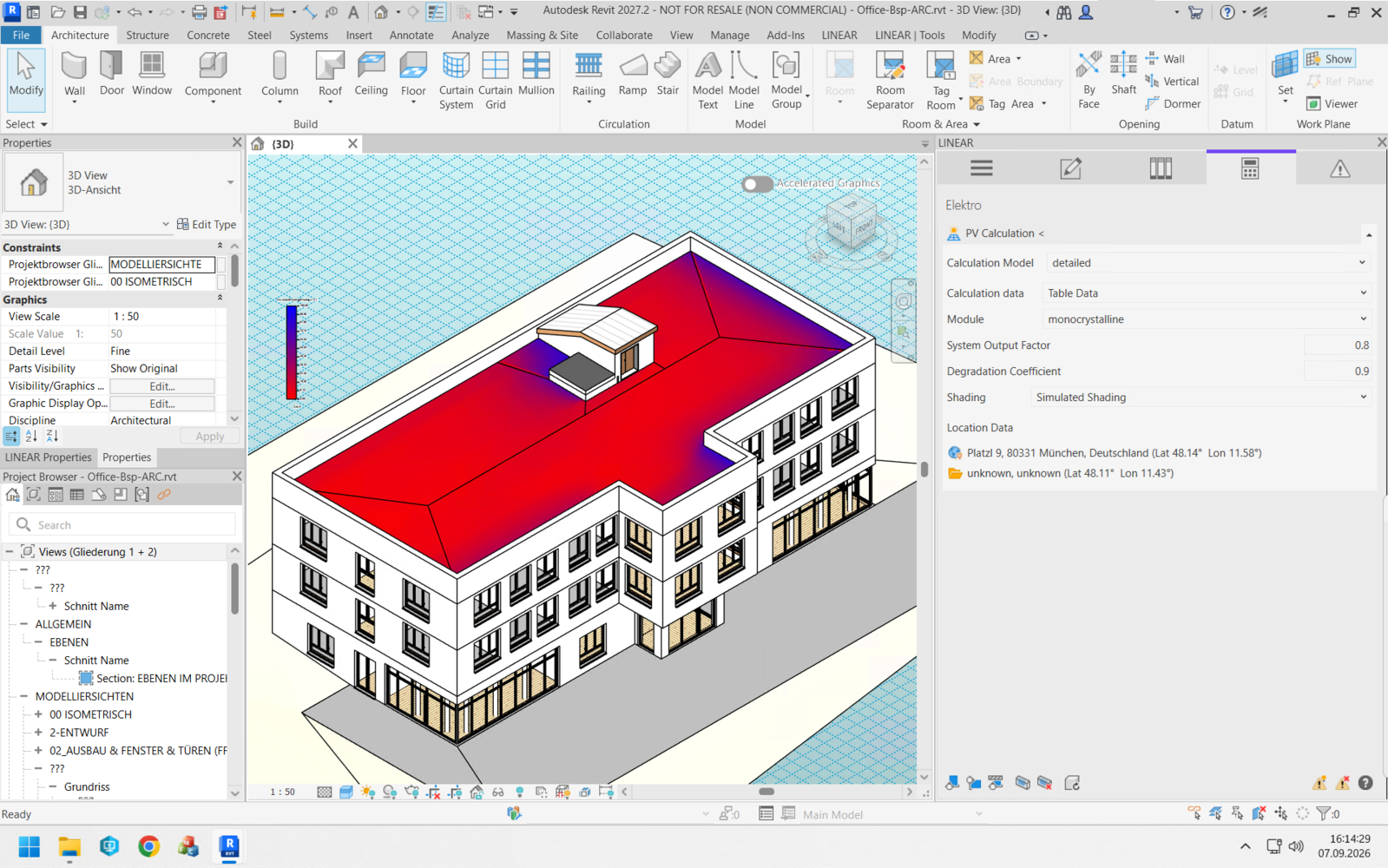
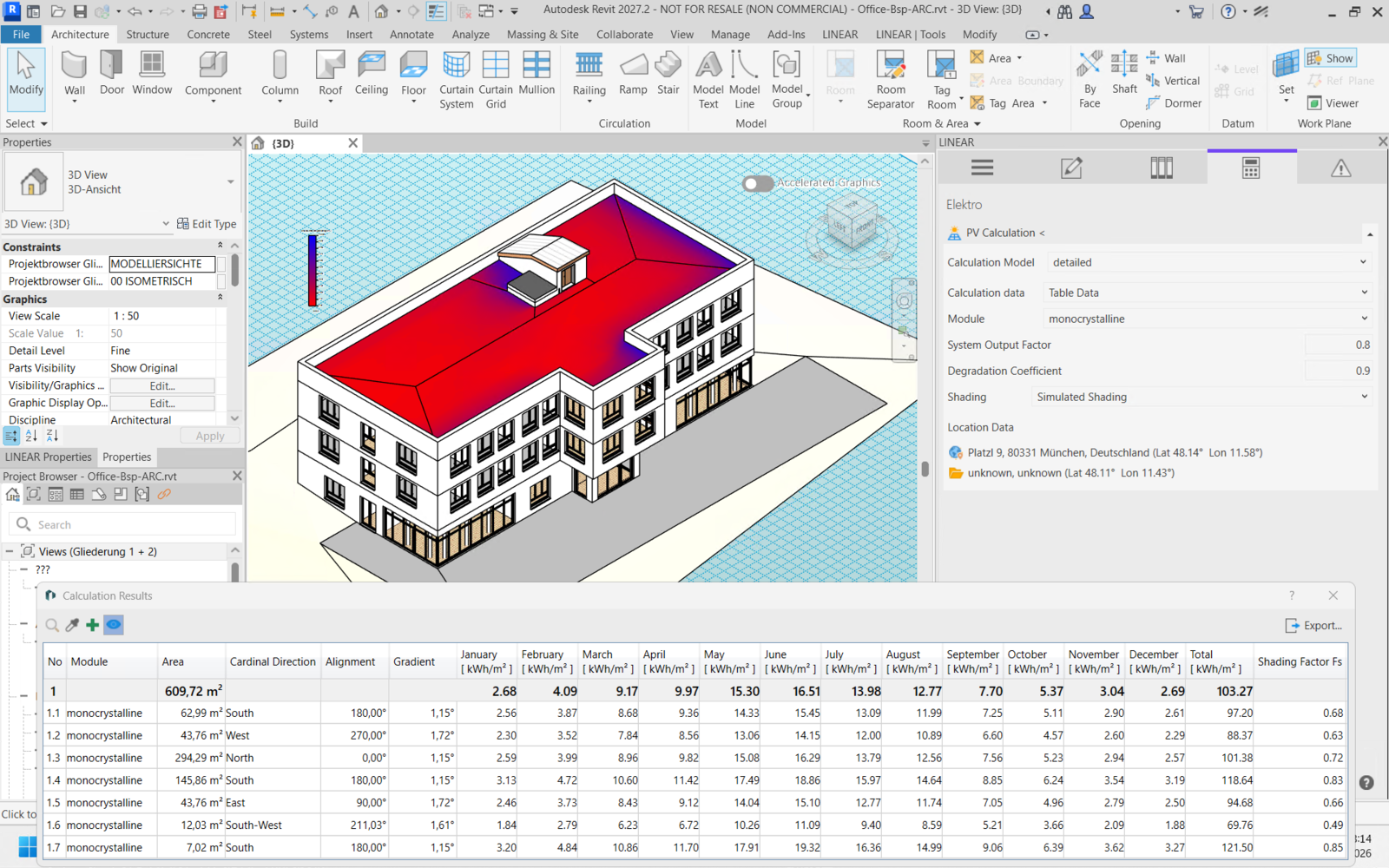
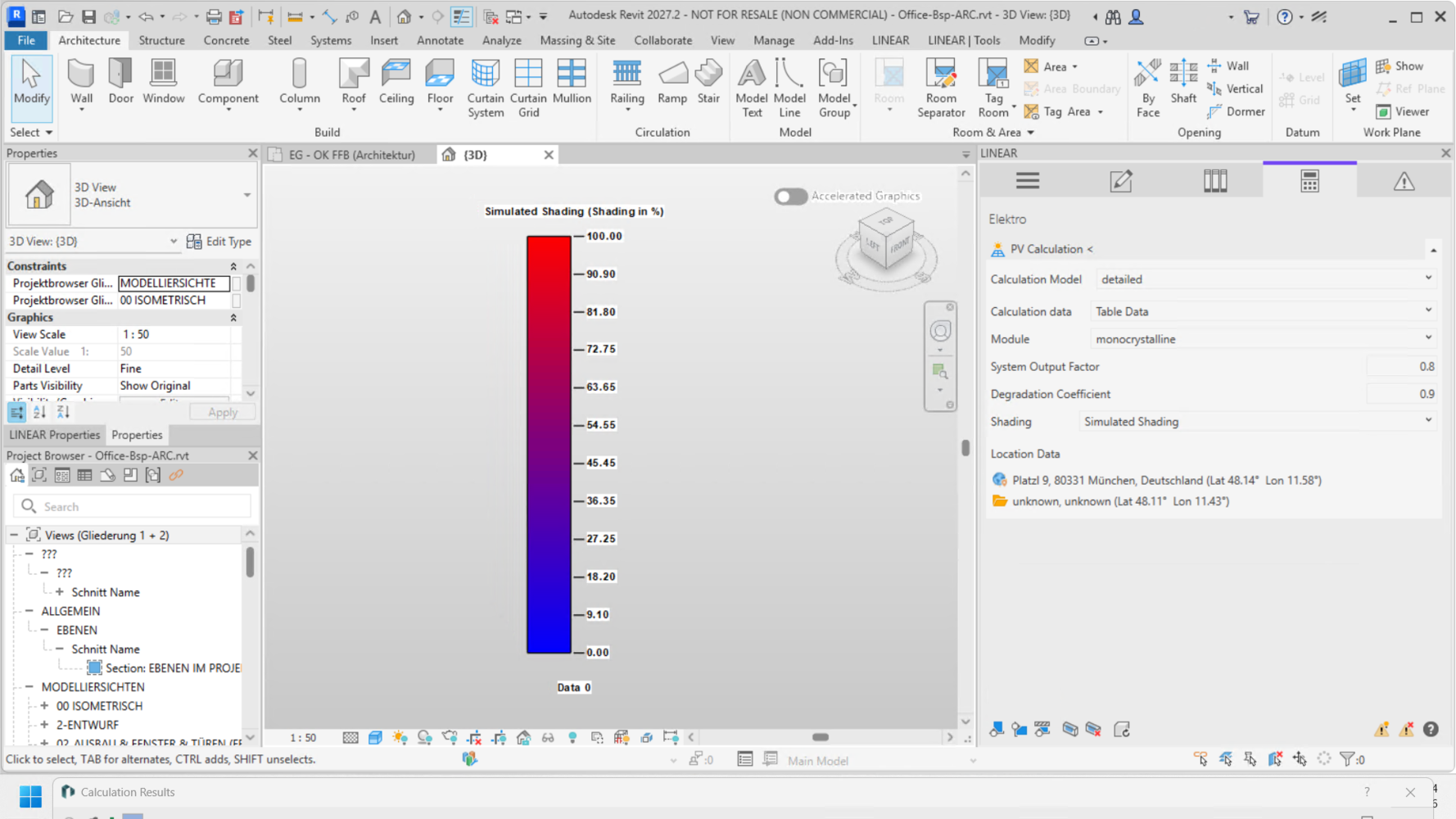
With solar and shading analysis, you can examine roof surfaces for shading before placing PV modules. This helps you identify suitable areas for your photovoltaic system.
Three calculation models are available for assessing the potential solar yield: approximate, detailed with weather data, and module-based for calculating the yield of PV modules already placed in the model.
The results are displayed in tables with monthly and annual values. In addition, yield or shading can be visualized directly in the building model using colors. This allows you to locate the results spatially and evaluate them for the next stages of your design.
Summary of benefits:
- Calculate solar yields for surfaces or placed PV modules
- Analyze roof surfaces for shading before placing modules
- Choose between approximate, detailed and module-based calculations
- Evaluate monthly and annual results in tables
- Visualize yield and shading directly in the model
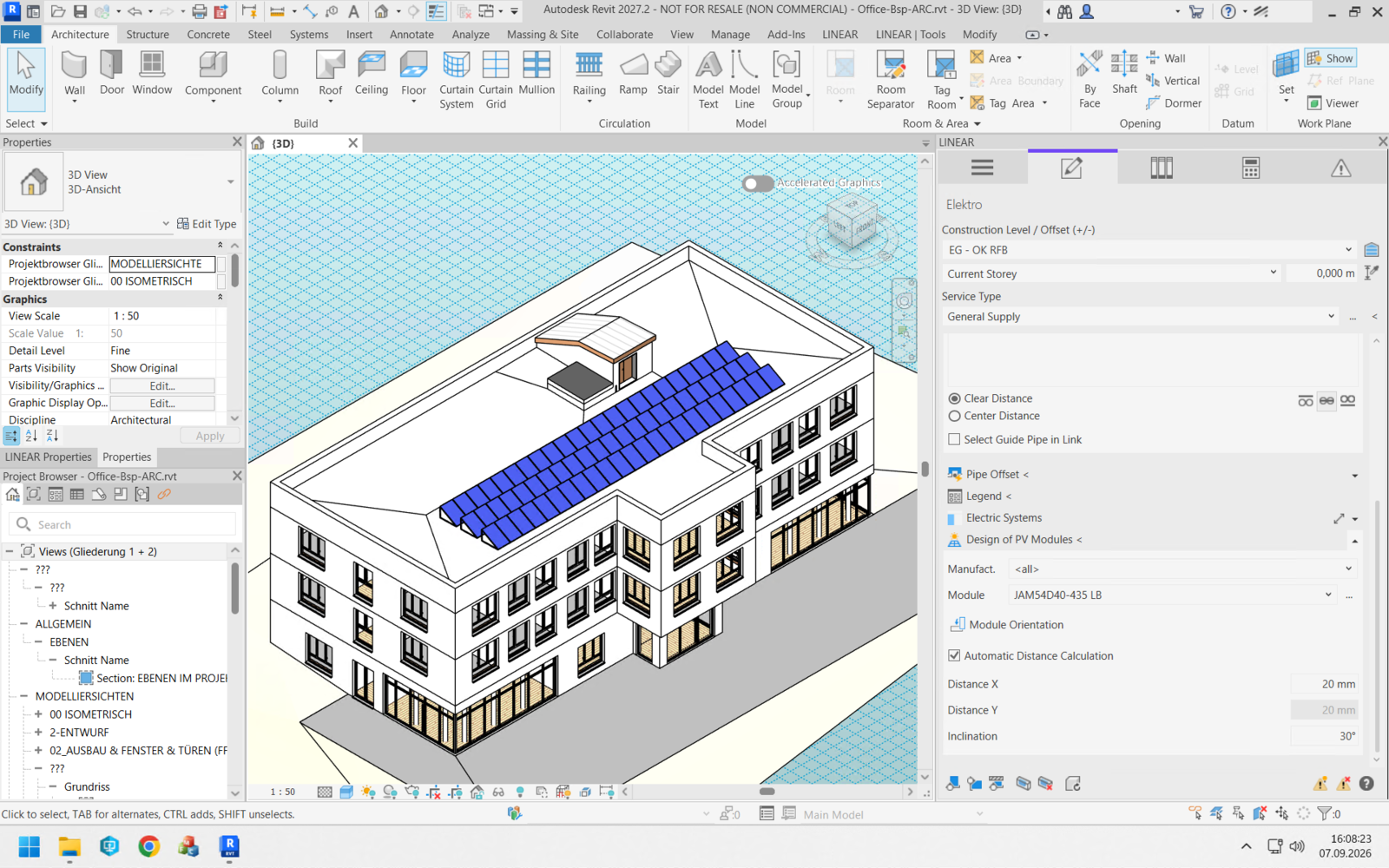
With the new PV modeling functions, you can place PV modules on the required roof surfaces in your Revit model. Set the orientation, spacing and tilt angle directly in the LINEAR Control Board.
As you draw the PV array with the mouse, a preview shows the arrangement and number of modules. This allows you to see how the selected roof surface will be covered before you place the modules.
Summary of benefits:
- Place PV modules directly on roof surfaces in the Revit model
- Set the orientation, spacing and tilt angle in the Control Board
- See the arrangement and number of modules in the preview
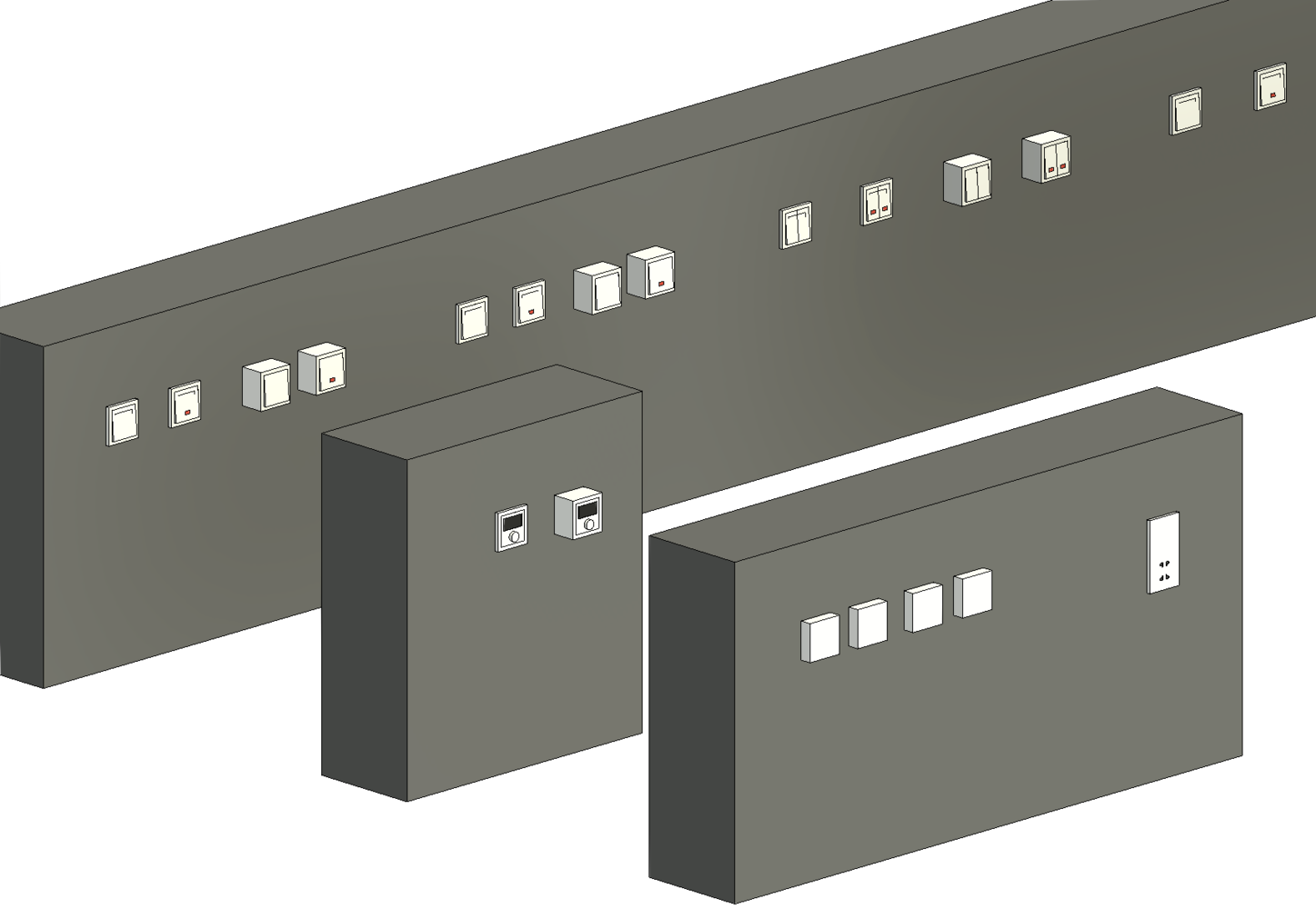
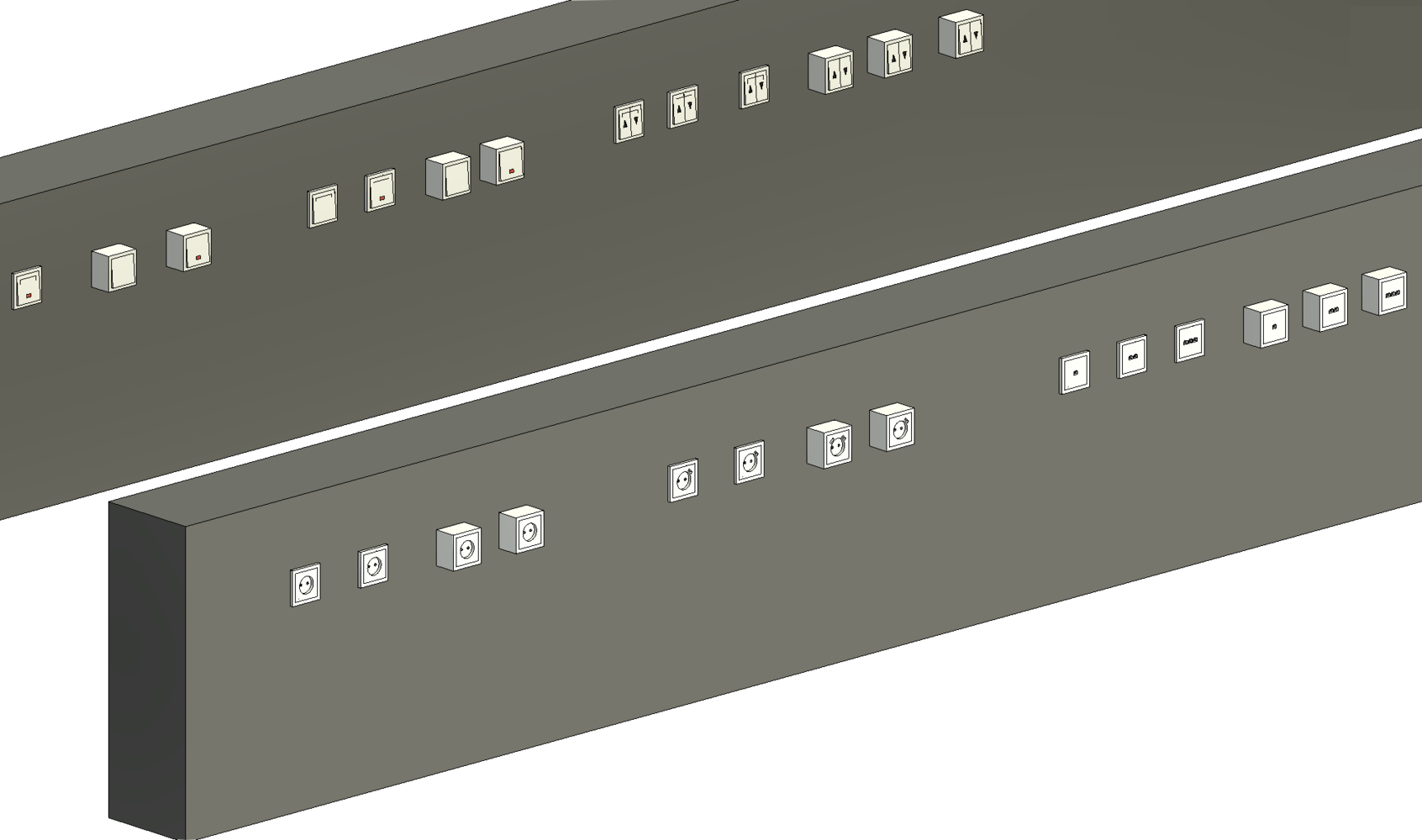
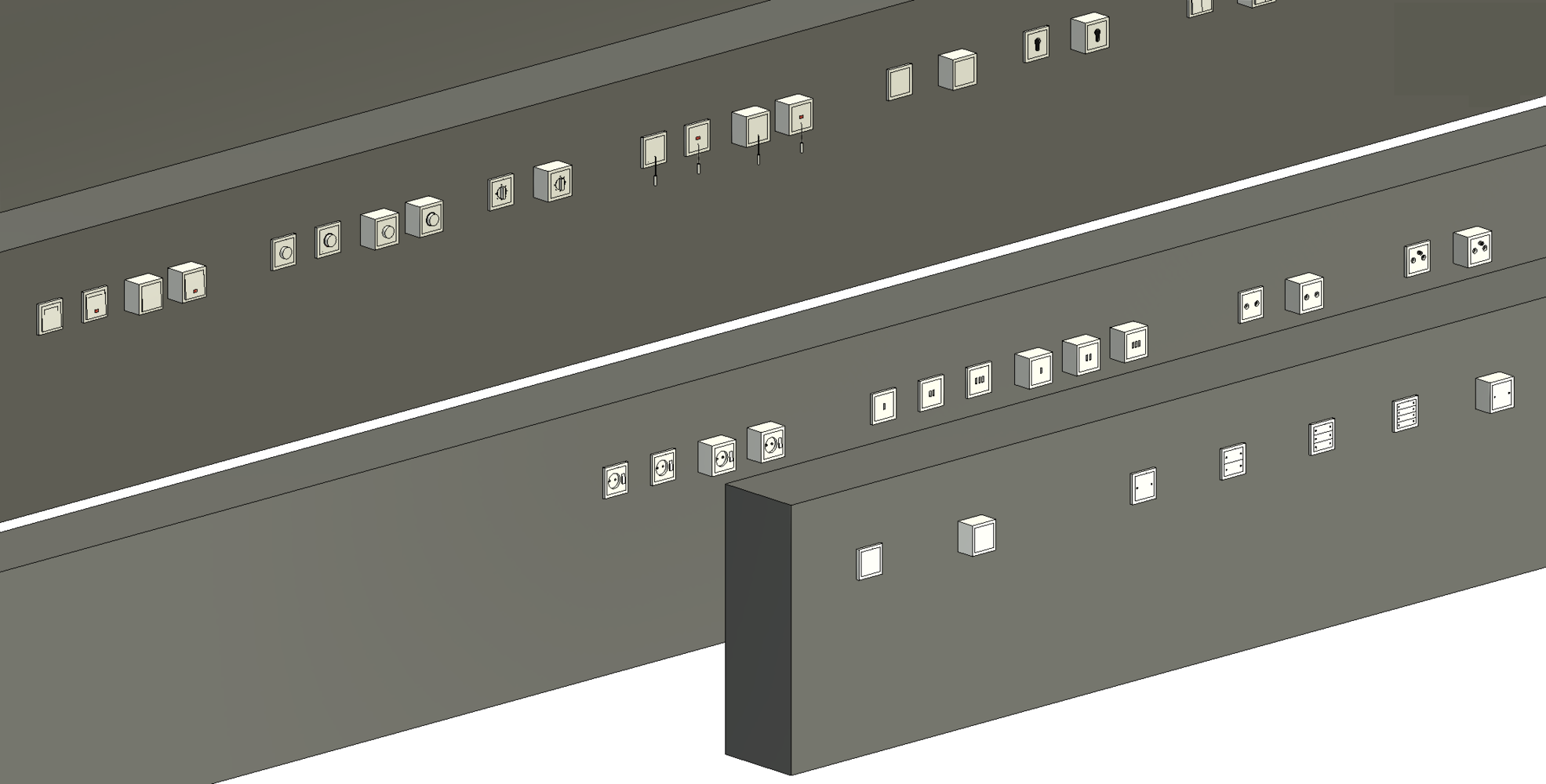
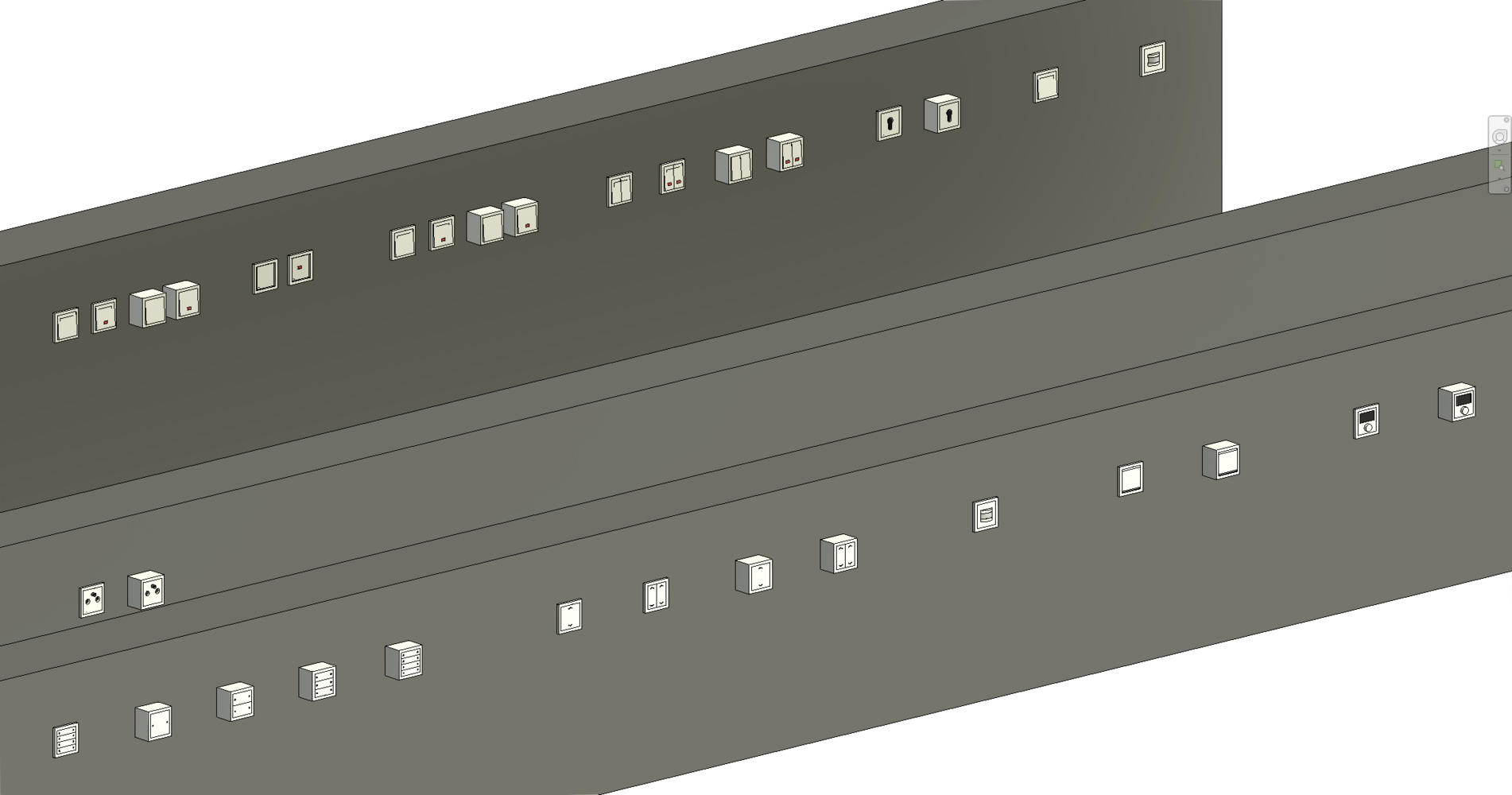
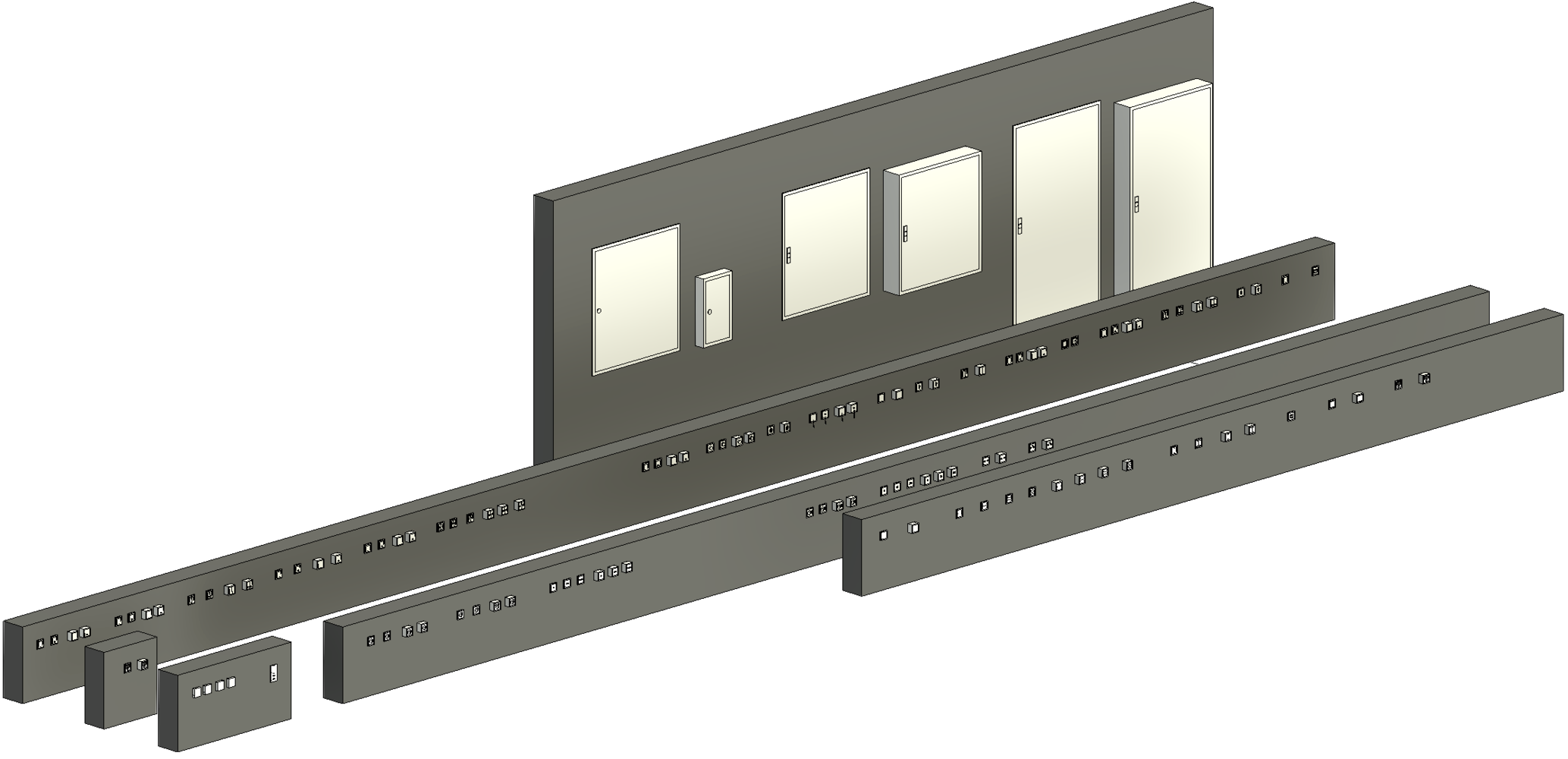
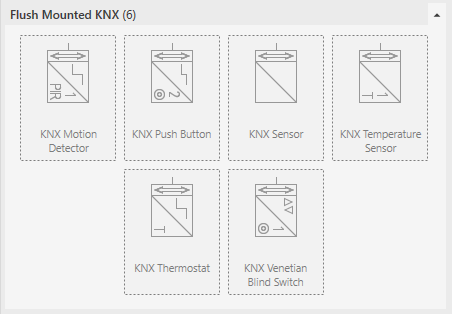
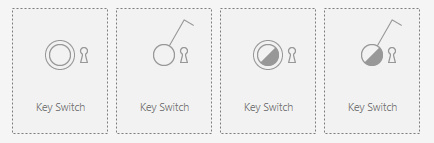
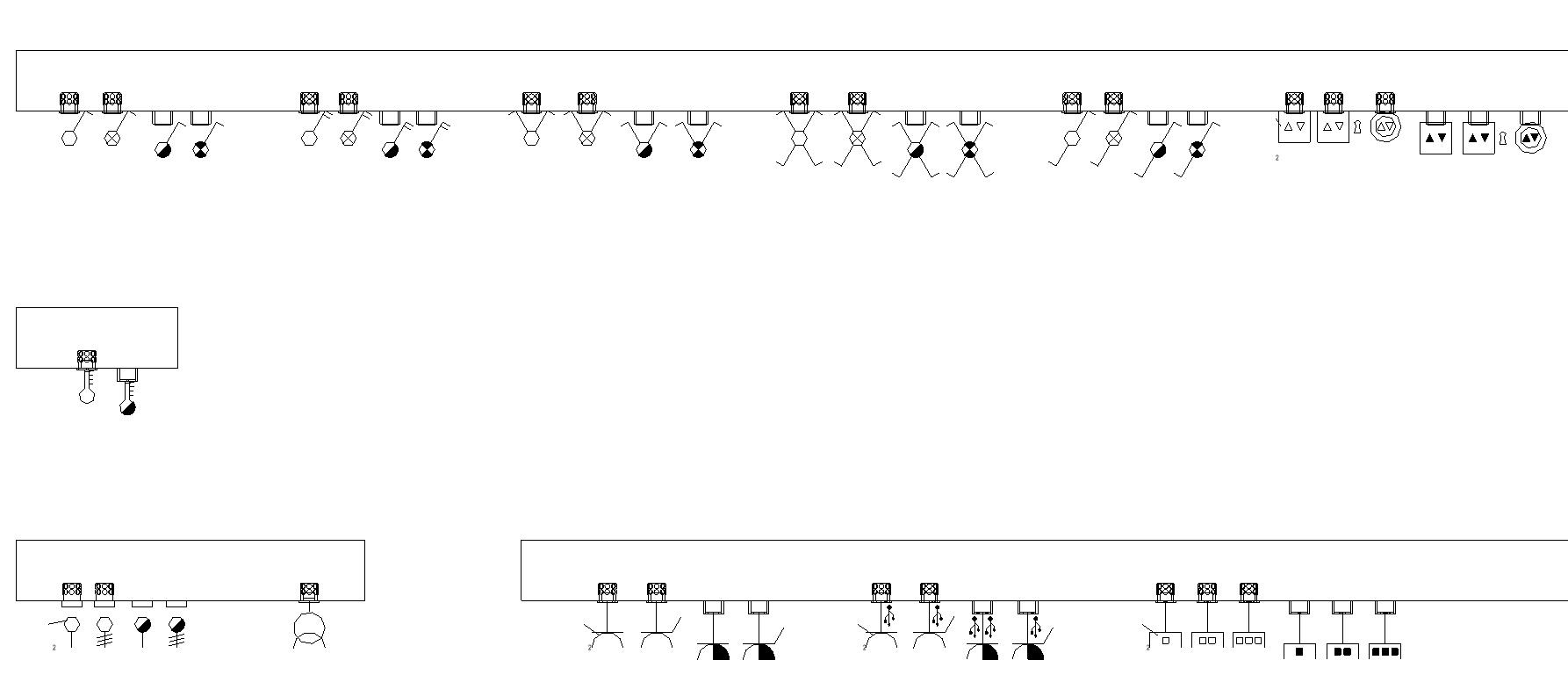
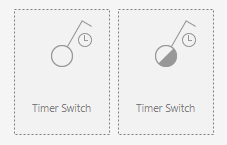
You now have 26 new families of electrical installation devices available for your electrical design. These include additional switch and push-button variants, multimedia outlets and KNX components. The existing families have also been revised and optimized.
You can use the new installation devices with the familiar LINEAR frame, installation line and floor box configurators. Empty mounting boxes with conduit connections have also been added to the new families, allowing you to route conduits all the way to the installation devices.
Summary of benefits:
- Use 26 new families for electrical design
- Choose from a wider range of switches, push-buttons, multimedia outlets and KNX components
- Use the new families with the frame, installation line and floor box configurators
- Route conduits to the installation devices using the added mounting box connections
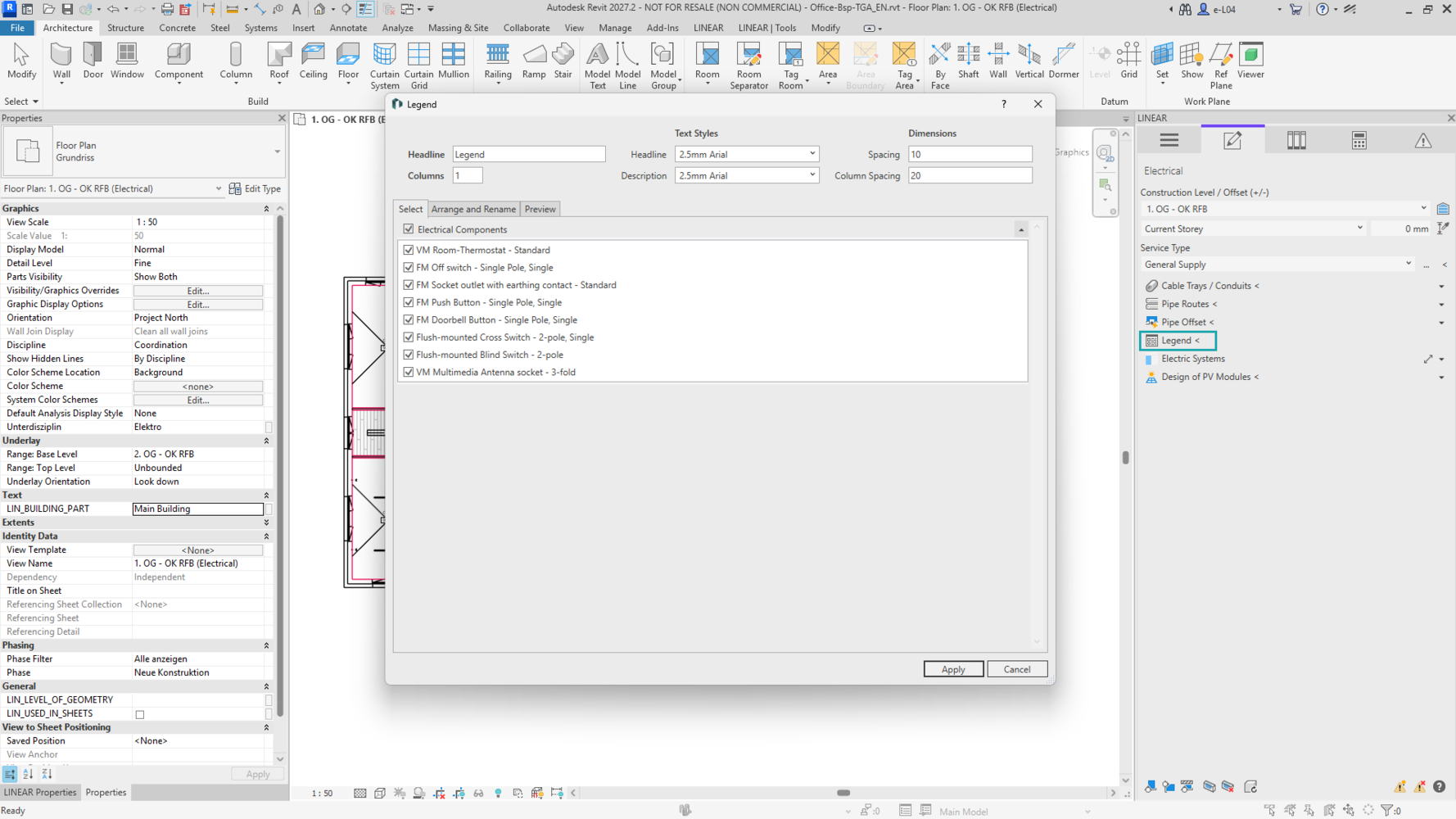
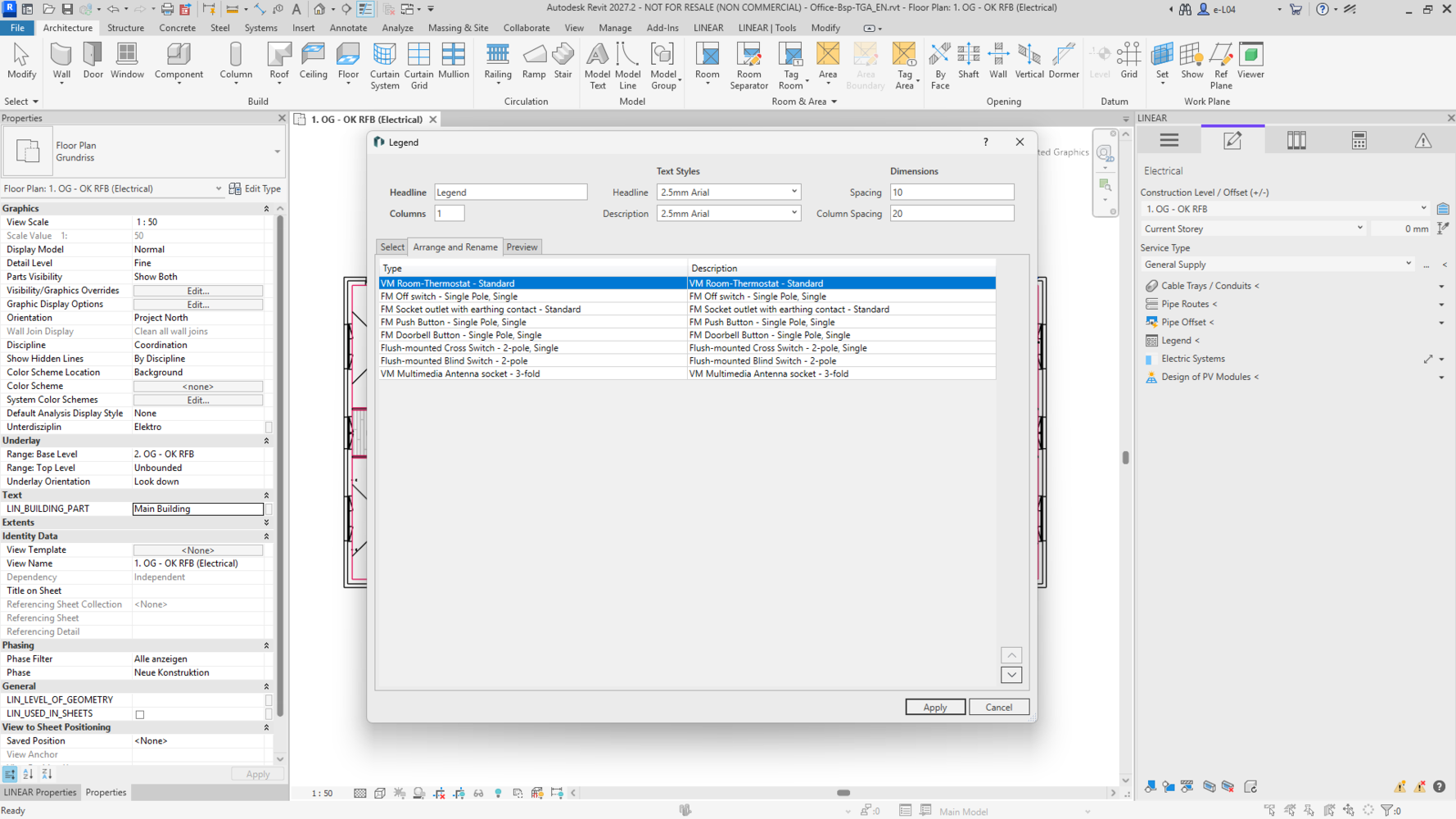
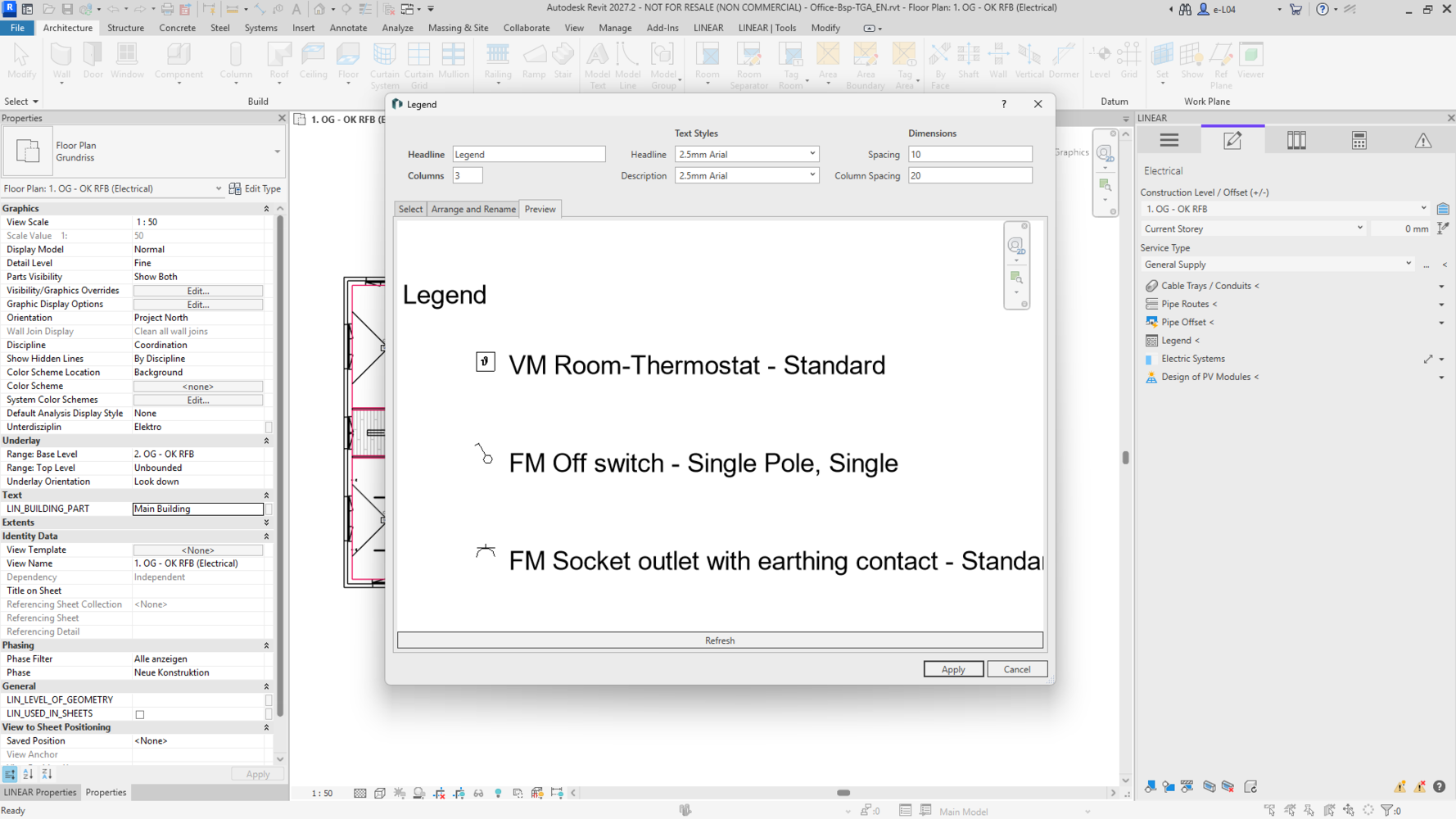

The LINEAR legend function now also automatically creates suitable legends for your electrical drawings. The function identifies the families included in the drawing and generates a legend of the components used. For installation devices, the corresponding family symbols are used.
Summary of benefits:
- Create legends for electrical drawings automatically
- Automatically include the families used in the drawing
- Use the family symbols of installation devices in the legend
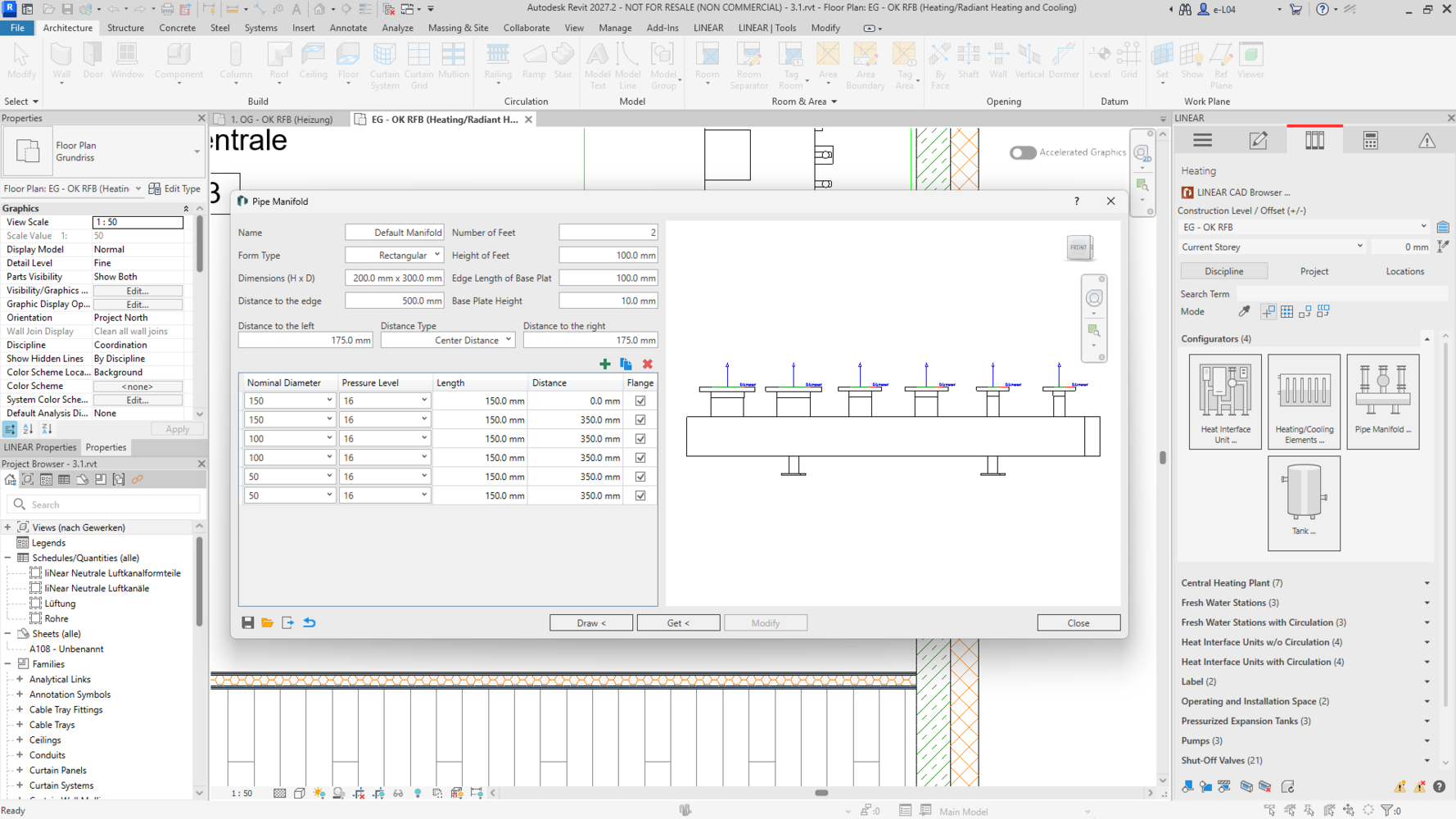
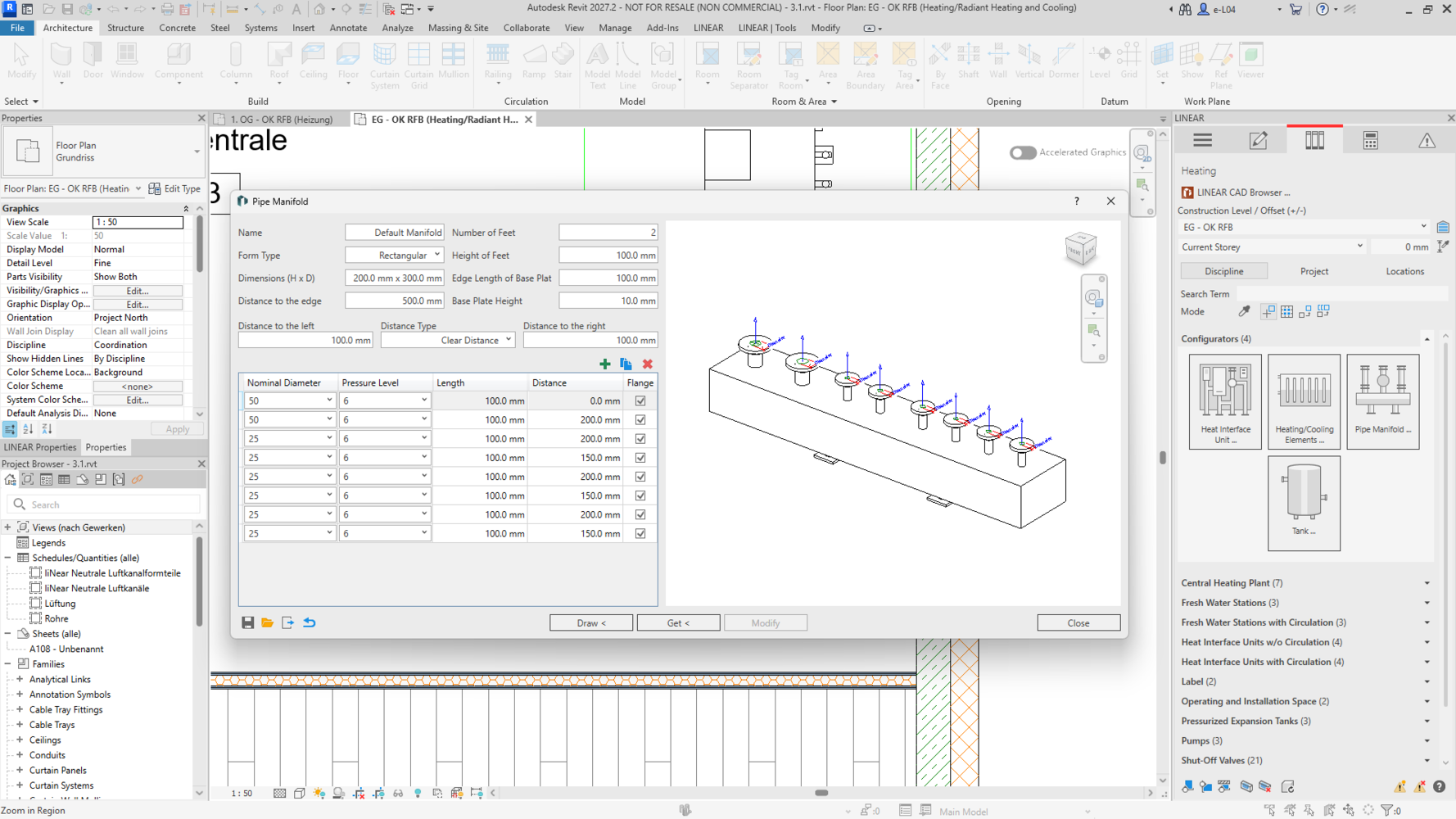
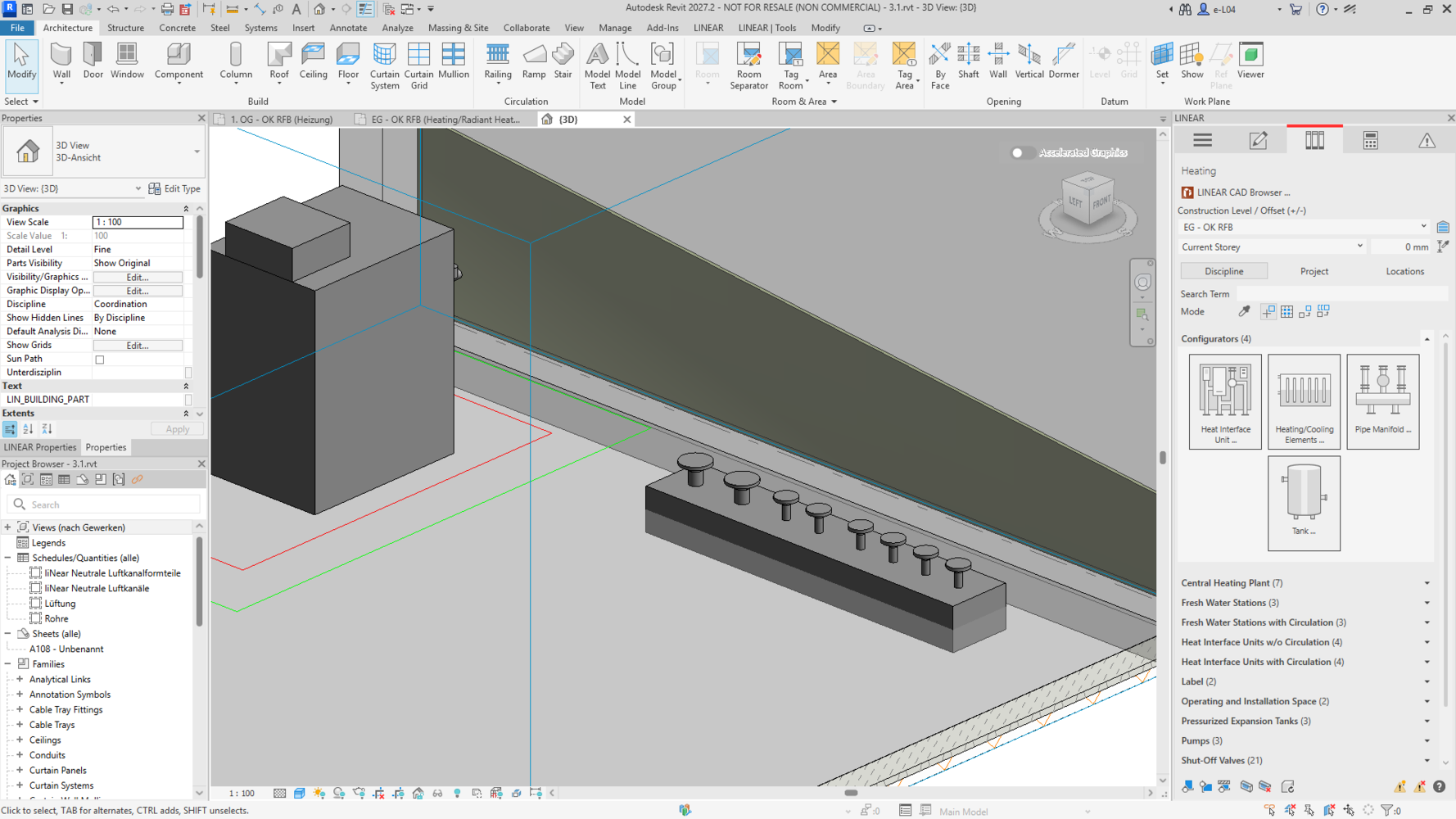
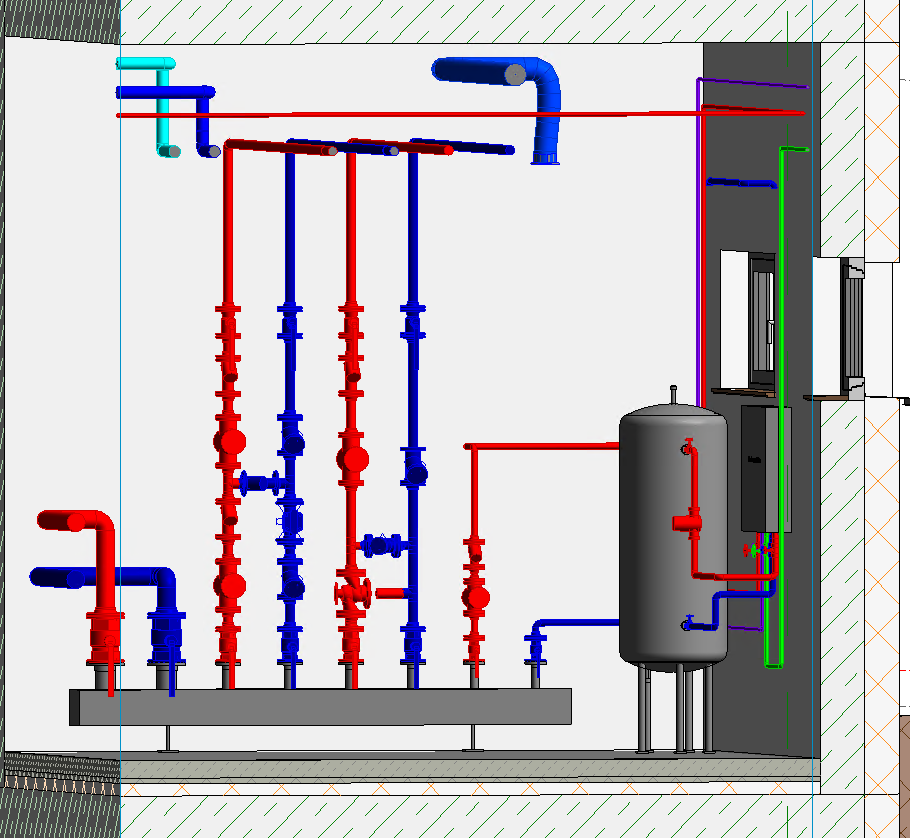
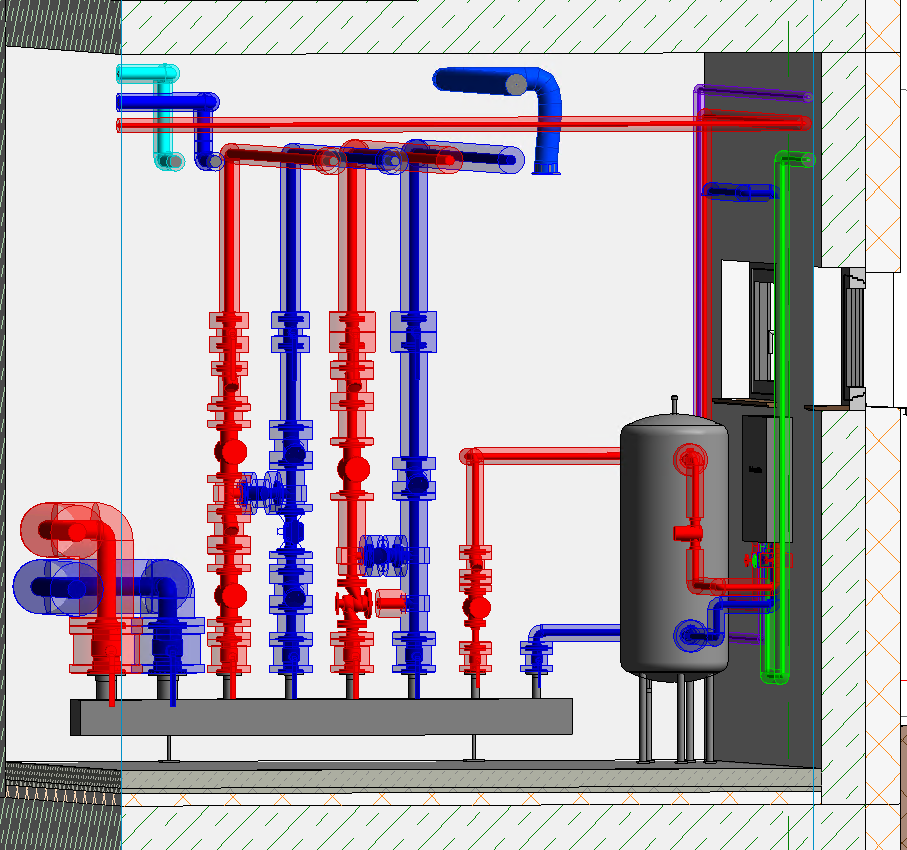
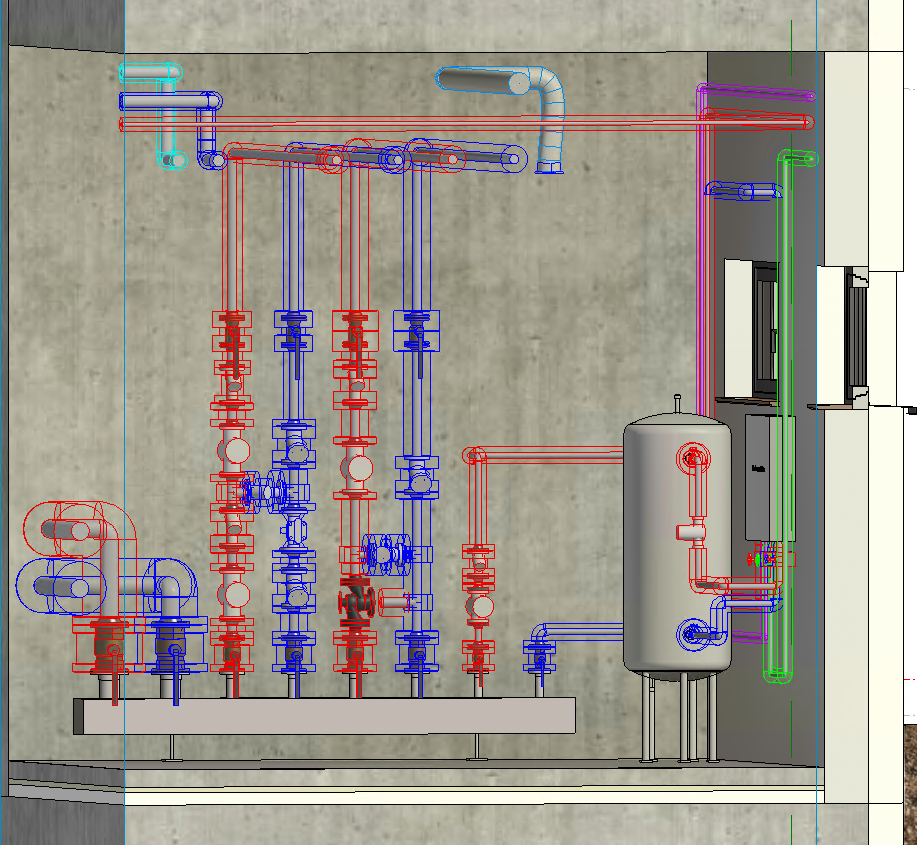
The revised configurator allows you to create custom pipe manifolds for heating, potable water, waste water, cooling, gas and fire protection. Rectangular cross-sections are now also available, allowing you to represent generic compact manifolds realistically in your project. A live 3D preview shows the current design as you configure it.
Flange dimensions are automatically applied in accordance with DIN EN 1092, depending on the selected nominal diameter and pressure rating. For special cases, you can define and save your own flange dimensions. You can then place the completed manifold in a plan view or 3D view of your model.
Existing manifolds can be loaded back into the configurator and edited. This also applies to manifolds created with the previous configurator.

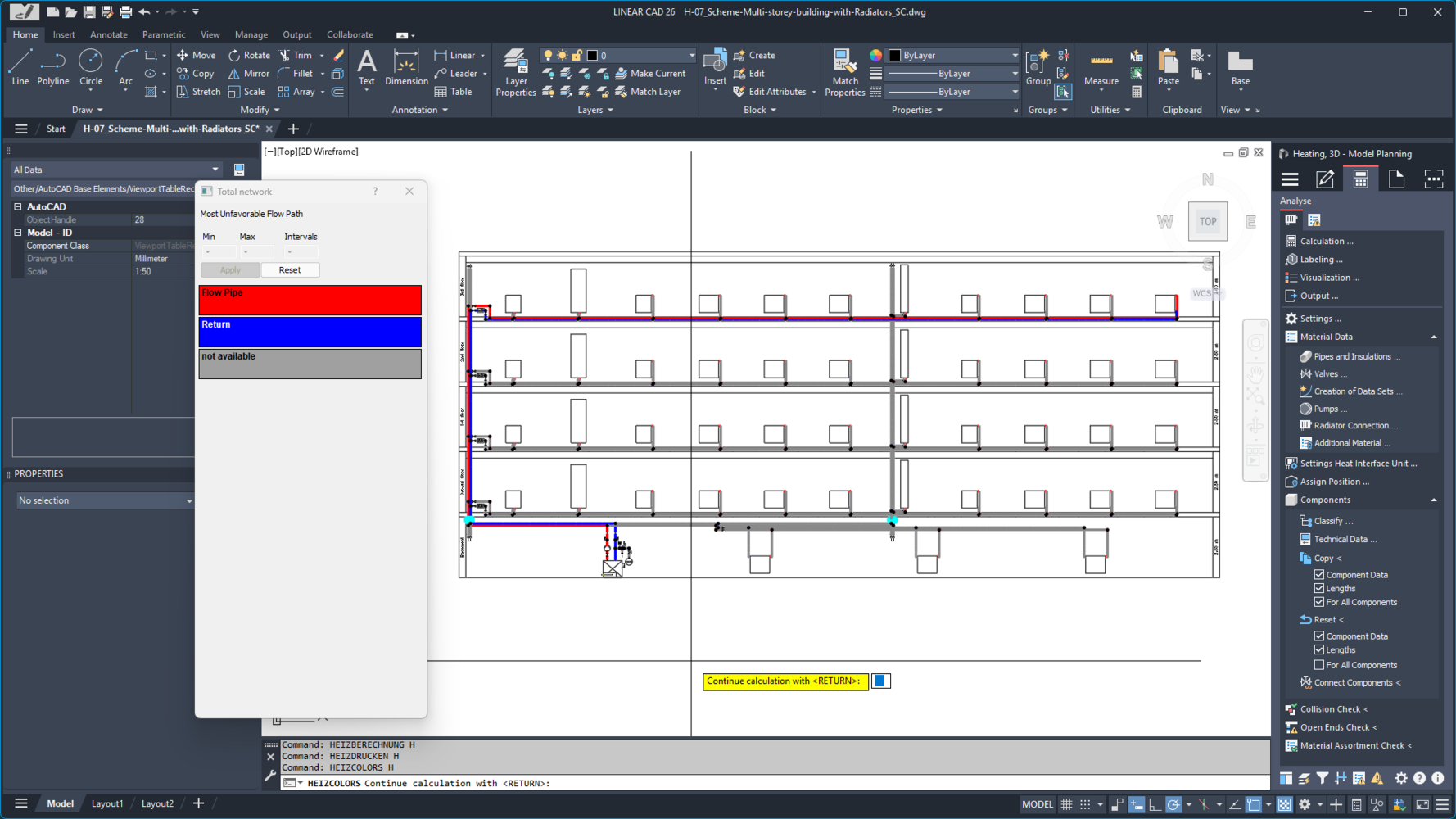
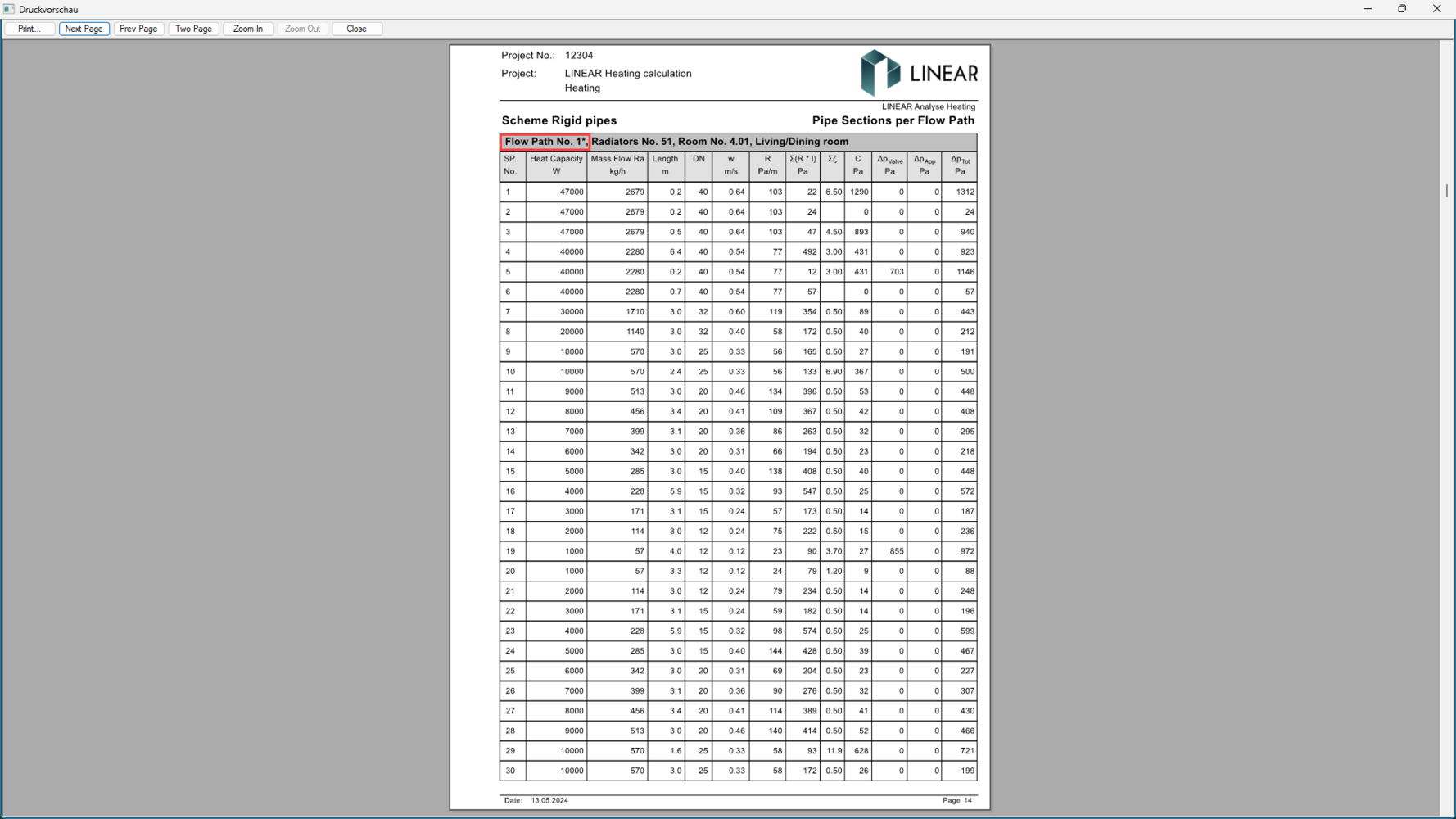
The most unfavorable flow path is now clearly identified in the calculation printout. It is listed in “General data” and marked with an asterisk (*) in the “Pipe sections per flow path” section. This makes the calculation easier to follow and check.
In addition, the “Most unfavorable flow path” visualization option is now available for all disciplines. This allows you to check the flow path directly in the model and display it in a drawing for printing.
Summary of benefits:
- Identify the most unfavorable flow path in “General data”
- Recognize the corresponding flow path by its asterisk in the calculation printout
- Check calculation printouts faster and understand them more easily
- Visualize the most unfavorable flow path directly in the model in all disciplines
Additional Features of the New V26.2
Use system class abbreviations for component labels
Excel export in accordance with ÖNORM H 6015-2 for duct fabrication
Flexible pipe and insulation material assignment now also available for gas networks
Identify component connections directly in the 3D model in the CAD Browser
Climate data for heat load calculations in Bulgaria
and many more!
Discover all the new features in "What's New"