-
Start LINEAR Admin on the clients.
-
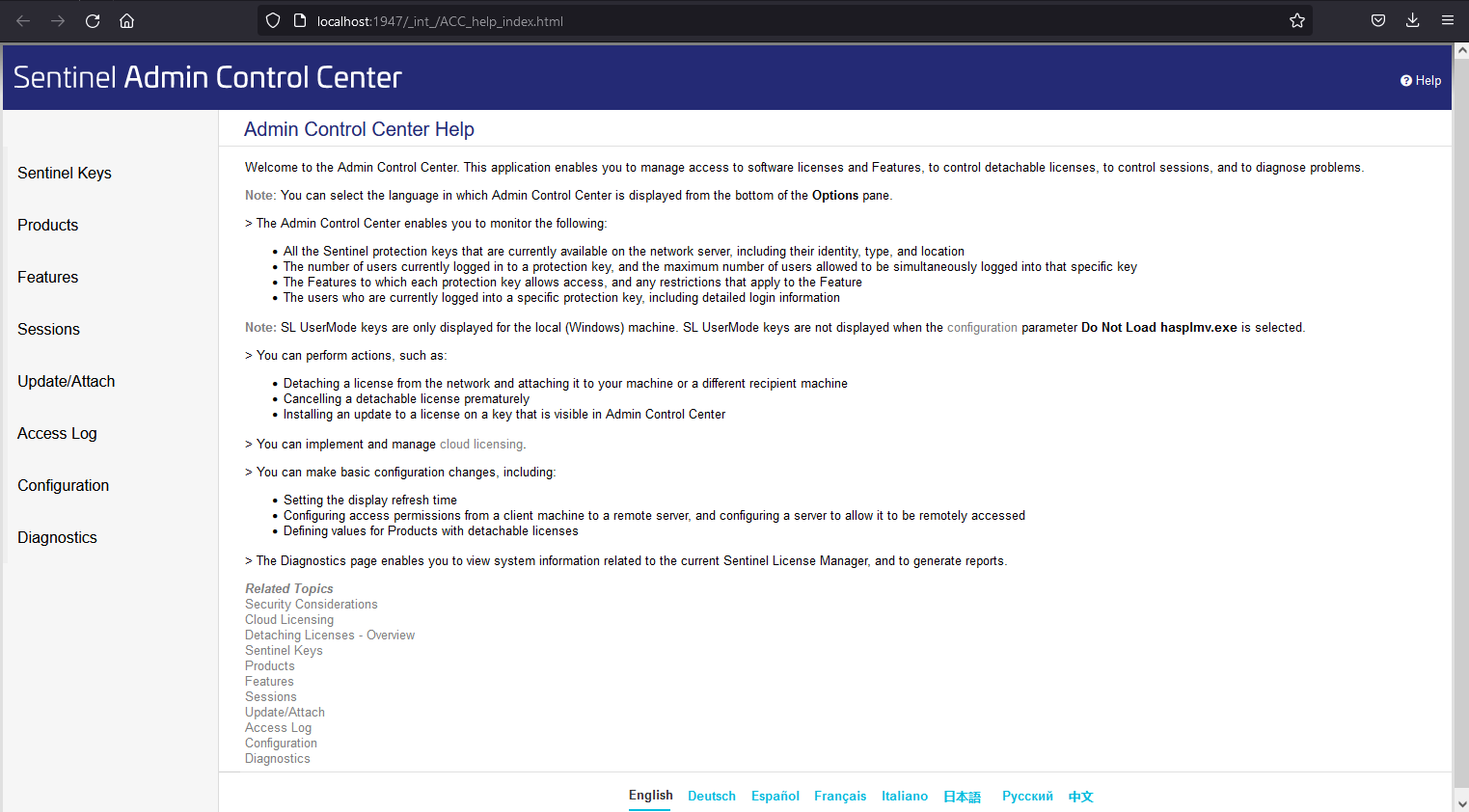
On the Hasp Tools tab, click Control Center to connect to the ACC.
-
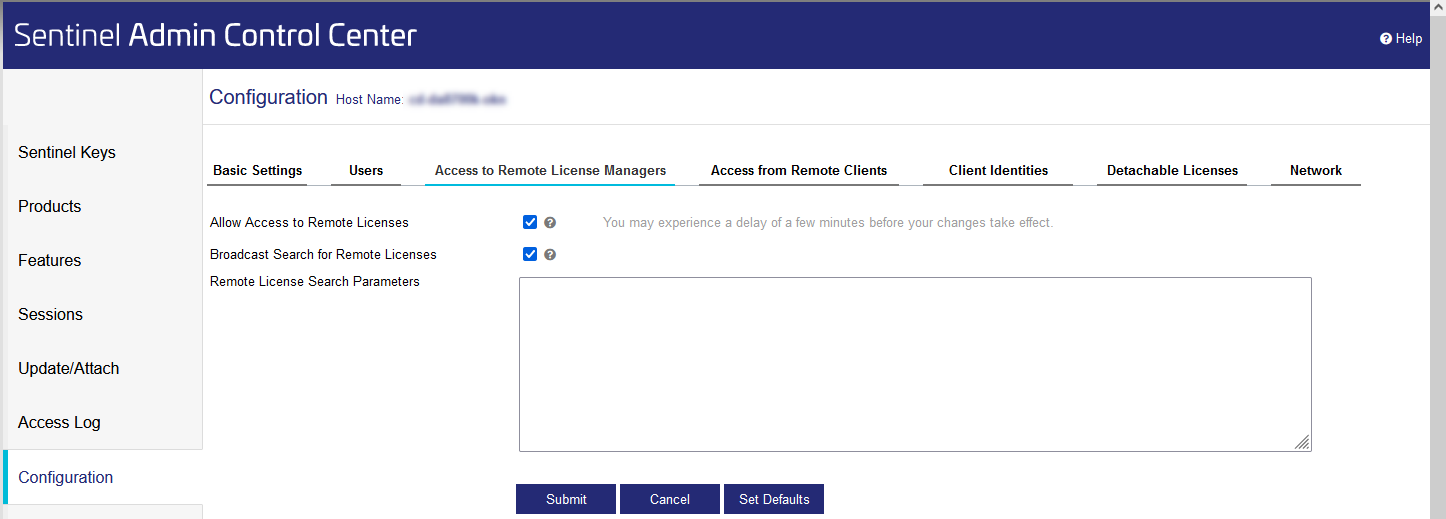
Click the Configuration option in the Navigation bar and go to the Access to Remote License Managers tab.
-
Uncheck the Broadcast Search for Remote Licenses option and enter the IP address that your license server has within your network under Remote License Search Parameters.
-
Click Submit to apply the settings.
The internal IP address of the license server is stored in the ACCs of the clients and the dongle can now be found by the clients.