-
Start the ACC on a client.
-
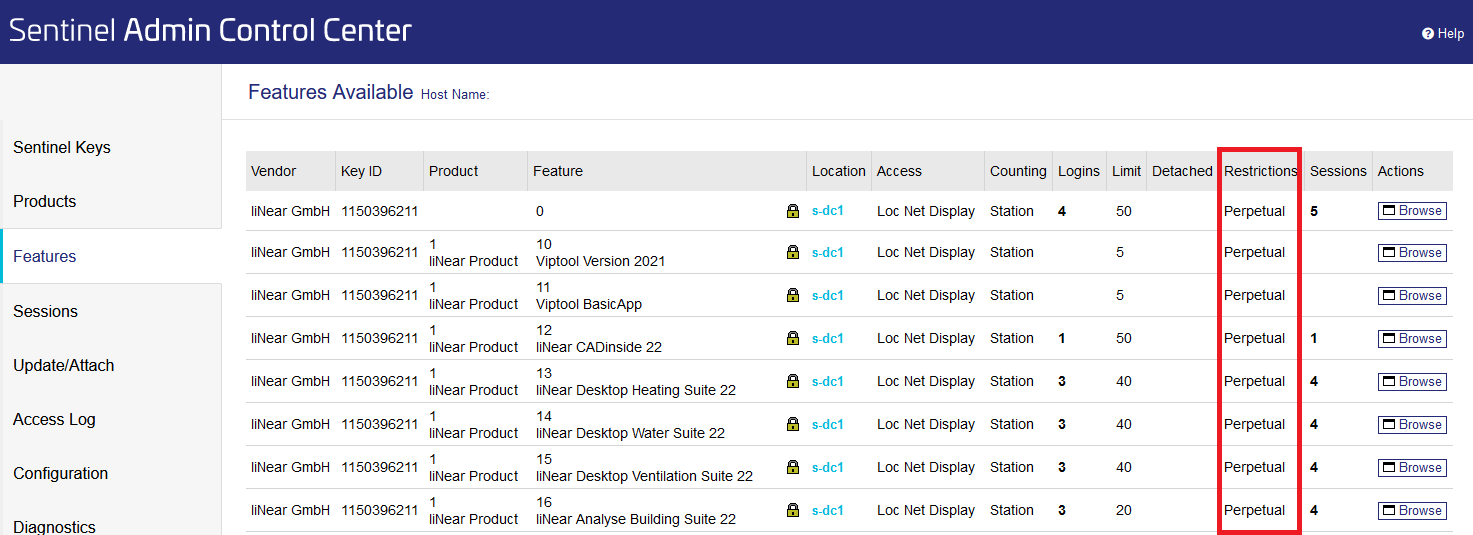
Click Features in the navigation bar to get to the overview of all licenses.
In the Restrictions column you can now see whether a license is perpetual (Perpetual, limited (Expire date) or expired (Expired.