-
Click on
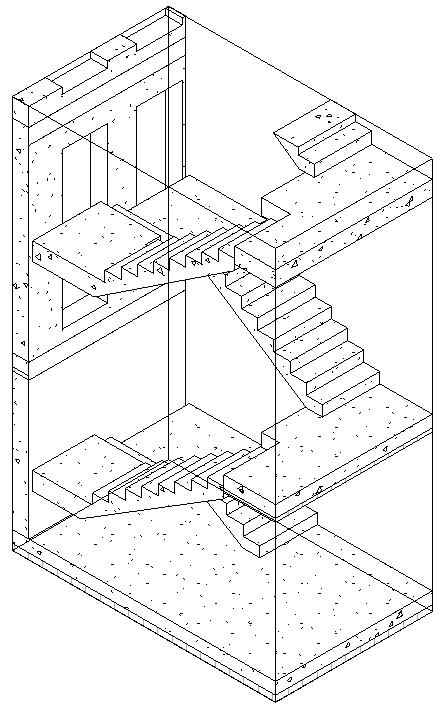
 3D Section Area.
 -
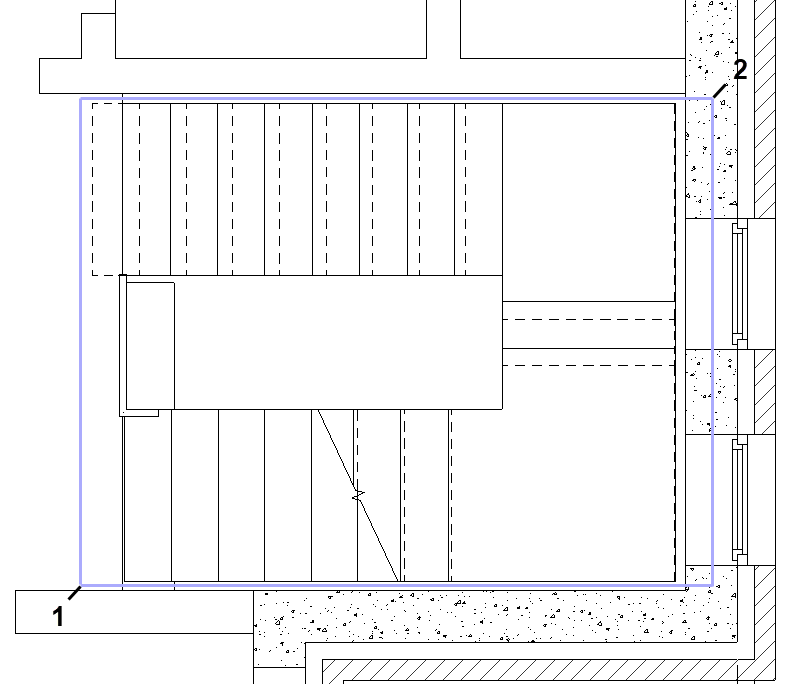
Use a selection frame to select the elements that you want to show in the 3D section.
-
Confirm your selection with Enter.
The selecterd elements are displayed in a 3D view within a Selection box.