-
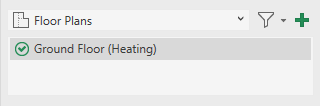
If necessary, use the dropdown list in the area of suitable views to switch to the appropriate planning type and select the view to which you want to add further disciplines.
-
In the Disciplines area, activate the check boxes for the disciplines to be displayed in the view.
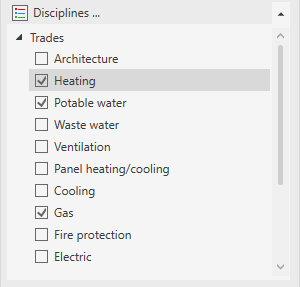
If elements have already been constructed in these disciplines, they will become visible.
-
Click on
 Name View Automatically to rename the view after adding more disciplines.
The view now includes the other disciplines and has been renamed accordingly.
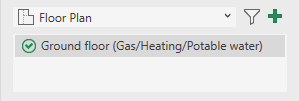
Existing structures of the added disciplines are visible in the view.