You are here:
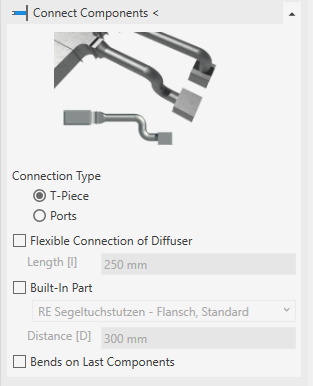
Connect Components <
Automatically connects components to the selected air ducts.
Connection Type
The connection to the main duct can be designed using a T-piece or a port.
|
T-Piece |
Port |
|---|---|
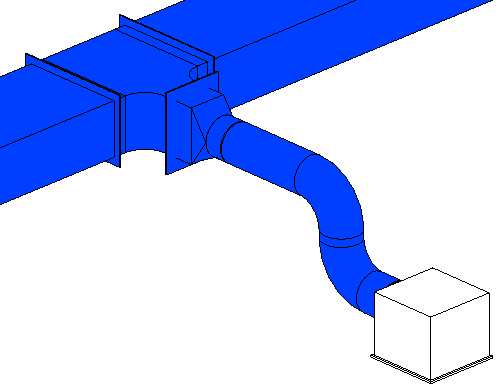 The connection to the main duct is realized using a T-piece. |
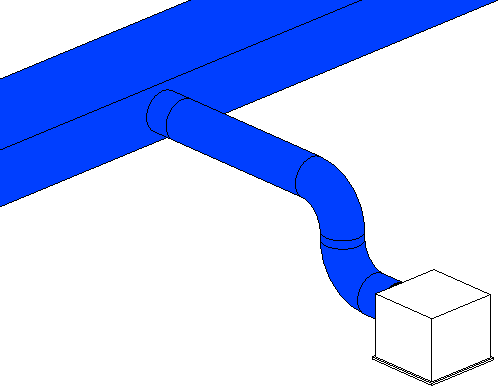 The connection to the main duct is realized using a Port. |
Flexible Connection of Diffuser
|
Activated |
Deactivated |
|---|---|
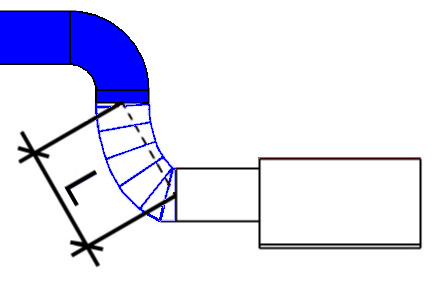
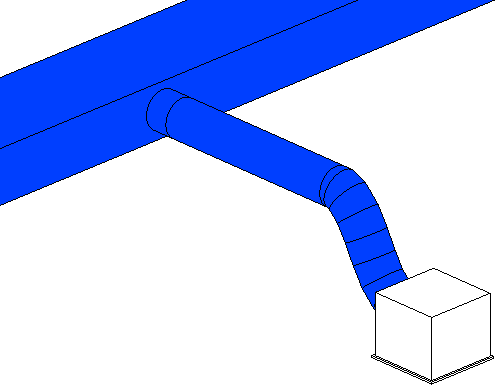 The first part of the connection (coming from the air vent) is a flexible duct. Additionally determine the Length [L]. If you prefer rigid ducts, enter 0 mm in this field. If you enter a length that is greater than the distance to the duct, the entire connection is constructed with a flexible duct. In this case, no built-in part can be inserted. |
The entire connection is carried out with rigid ducts. |
Length [L]
Determine the length of the flexible duct for the connection as shown below:
Built-In Part, Distance [D]
Here, built-in parts such as coolers, filters and volume flow controllers are available for selection. The built-in part is inserted into the rigid connecting pipe when connecting. The Distance [D] to the main duct is used. If other suitable families are included in the project, they will also be listed here. You can find further built-in parts in the library tab.
Bends on Last Components
|
Activated |
Deactivated |
|---|---|
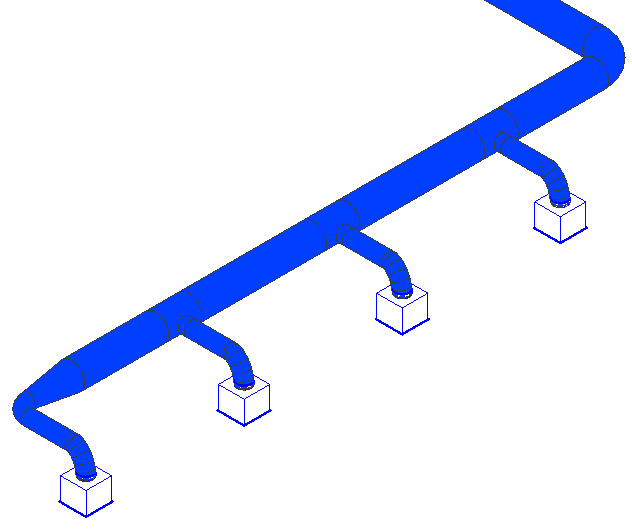 The last components of a duct run are connected using bends, thereby creating a closed duct system. |
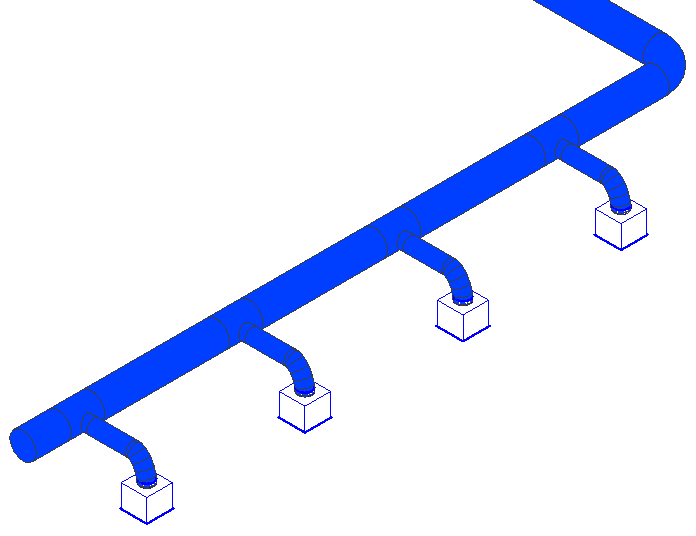 The last components are connected with T-pieces. The duct remains open at the end. This can be useful if further construction is required at this point. |