-
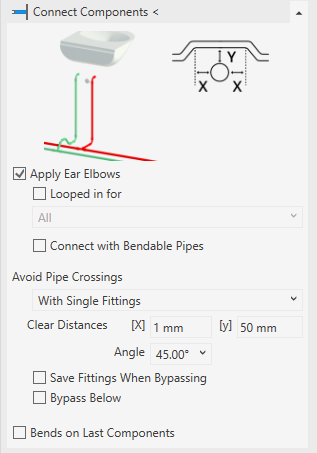
Open the Connect components section.
-
Activate the check boxes of the desired connection options.
-
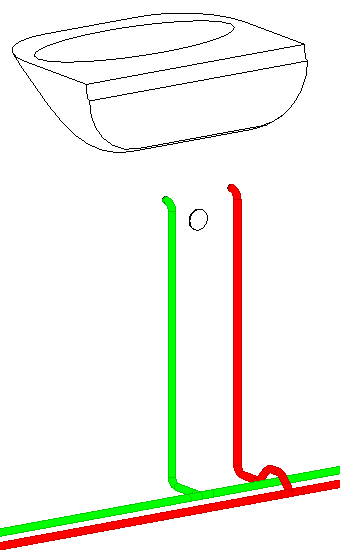
Click Connect components <.
-
Select the components and pipes to be connected and confirm with Enter.
The components are connected to the hot and cold water pipes.