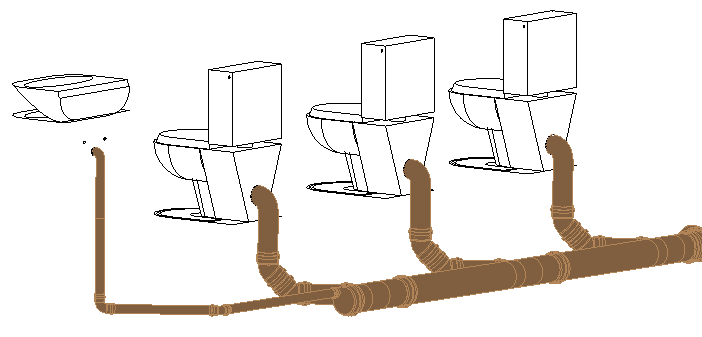
-
If necessary, click on
 to expand the section Connect components <.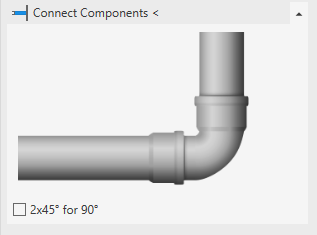
-
Select the option 2x45° instead of 90° for the transition from vertical to horizontal pipes.
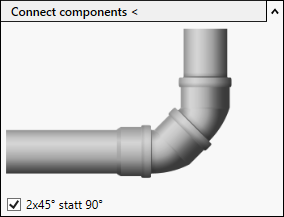
-
Click Connect components < and follow the displayed instructions.
You have connected the components to the manifold.