-
Click Import/synchronize...
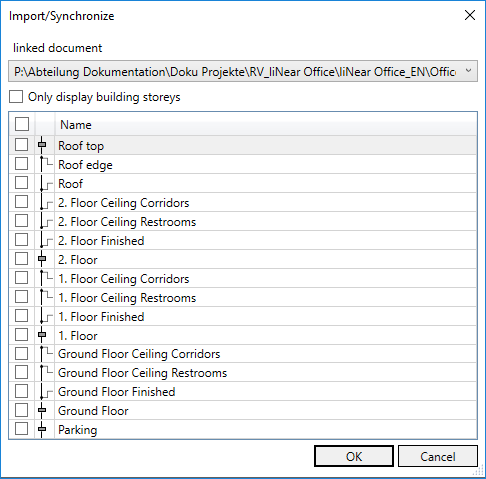
The Import/synchronize dialog opens.
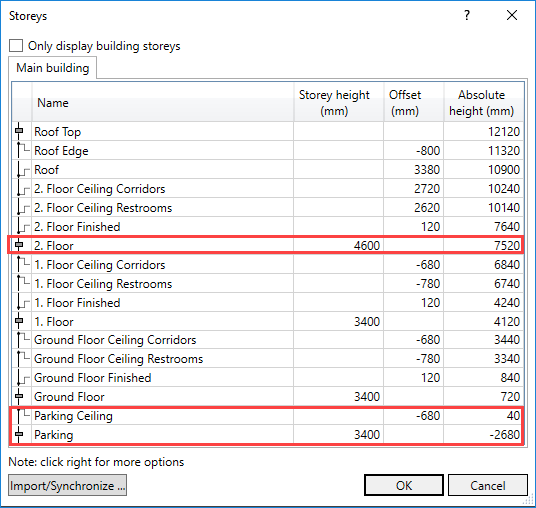
Example: The height of the parking was changed in order to offer space for a suspended ceiling. The height in the 2nd floor has also been adjusted.
-
Activate all levels by clicking in the check box of the header and exit the dialog with OK.
In this example, the new suspended ceiling and the updated storey heights are now synchronized with your model.