-
Click Links...
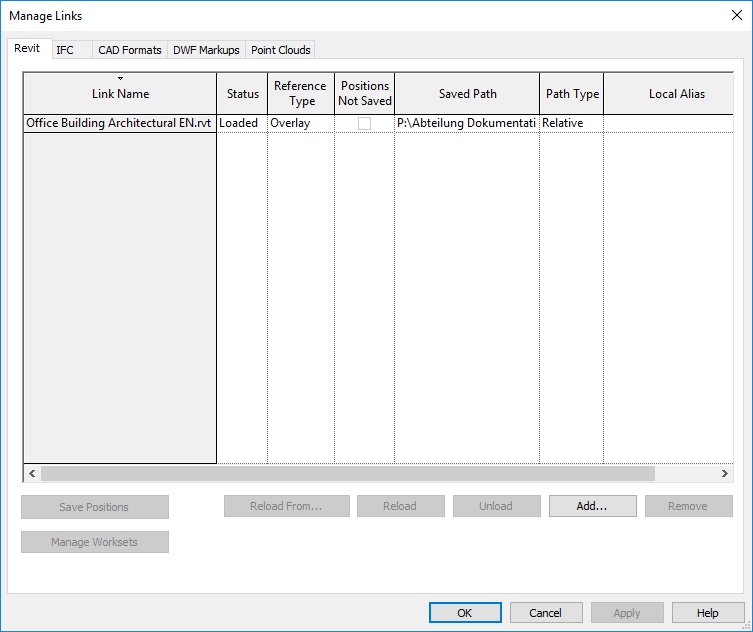
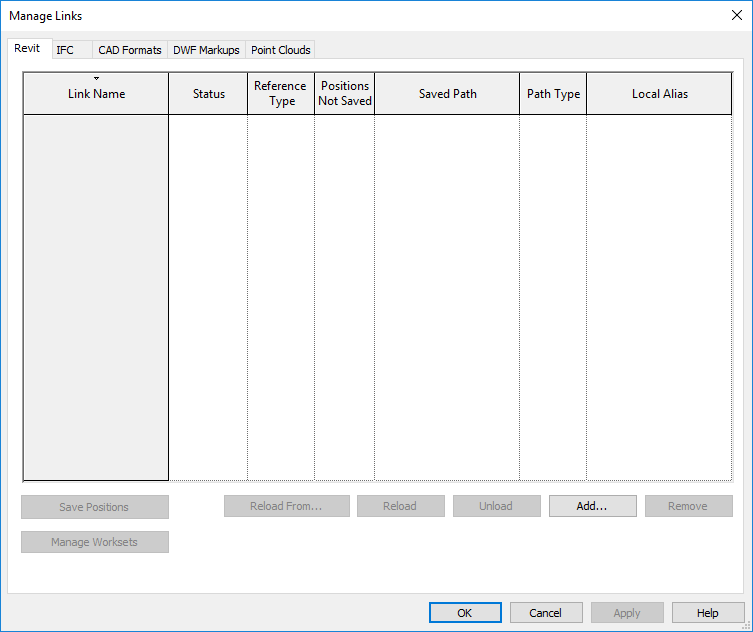
The Manage Links dialog opens.
-
Select the appropriate tab according to the file format of the architecture to be linked.
-
Click Add...
-
Select the appropriate file.
In the following dialog you can control the positioning of the linked file. The standard setting is Auto - Internal origin to internal origin.
-
Click Open .
The linked file is displayed in the list and in the Revit model.