-
Click Storey...
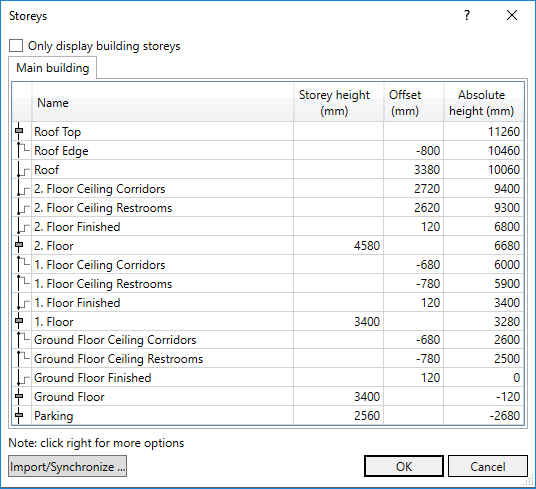
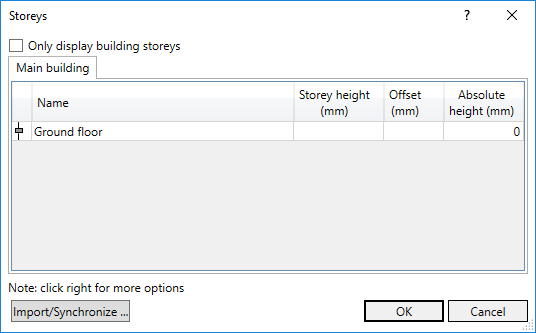
The Storey dialog opens:
-
Click Import/synchronize....
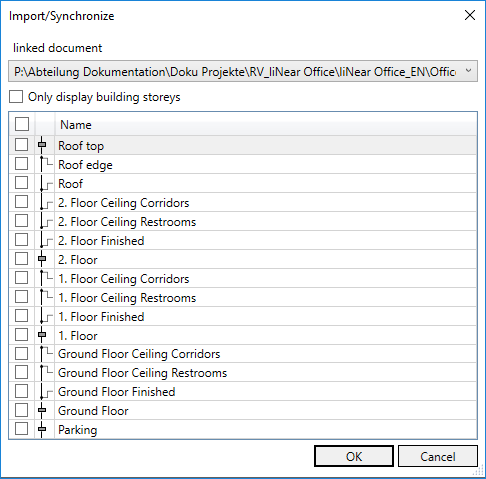
The Levels from linked documents dialog opens.
-
If there is more than one link, select the linked document you want to import the levels from, in the drop-down list.
-
Activate all levels you want to import and confirm with OK.
-
Decide in the following prompt whether existing layers in the model should be deleted.
The levels are imported and are displayed in the Storey dialog.