-
Select the reference level in the Construction level/ Offset (+/-) section.
-
Select the datum level. If the datum level conforms to the reference level, select Current storey.
-
Enter an offset to the datum level.
-
Click Discipline.
The configurators and families of the heating or cooling discipline are displayed.
-
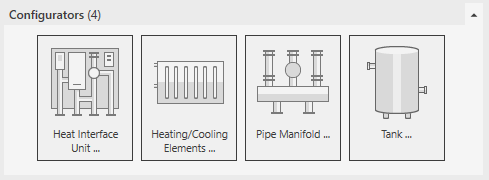
Open the Configurators section.
-
Click Heating/Cooling elements ...
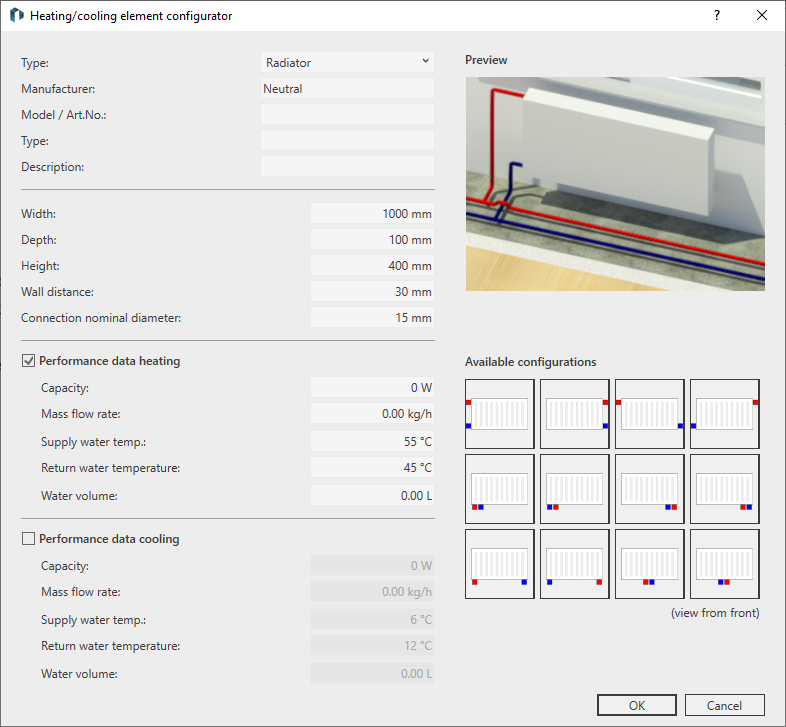
The Heating/Cooling elements configurator dialog opens.
-
Select the Type.
-
Enter the manufacturer and model data, the type and, if necessary, a description and the dimensions.
-
Enter the wall distance, the nominal diameter of the pipe connections and the water volume.
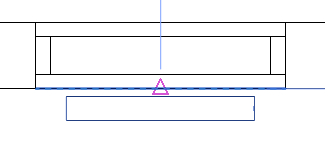
The wall distance is kept automatically when inserting the heating/cooling element on the wall.
-
Enter the performance data.
-
Use the pictograms to select the desired location of connection.
-
Close the dialog with OK.
-
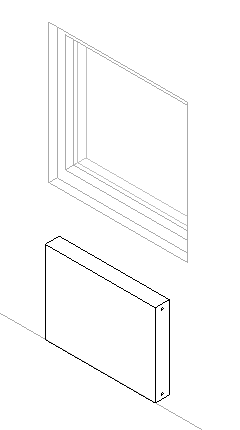
Place the heating/cooling element. If you select the inner wall edge for insertion, the wall distance is automatically kept.
-
If necessary, place the same model with the same dimensions in a different location.
-
Press ESC twice to exit the command.
The heating/cooling element is inserted in the model.