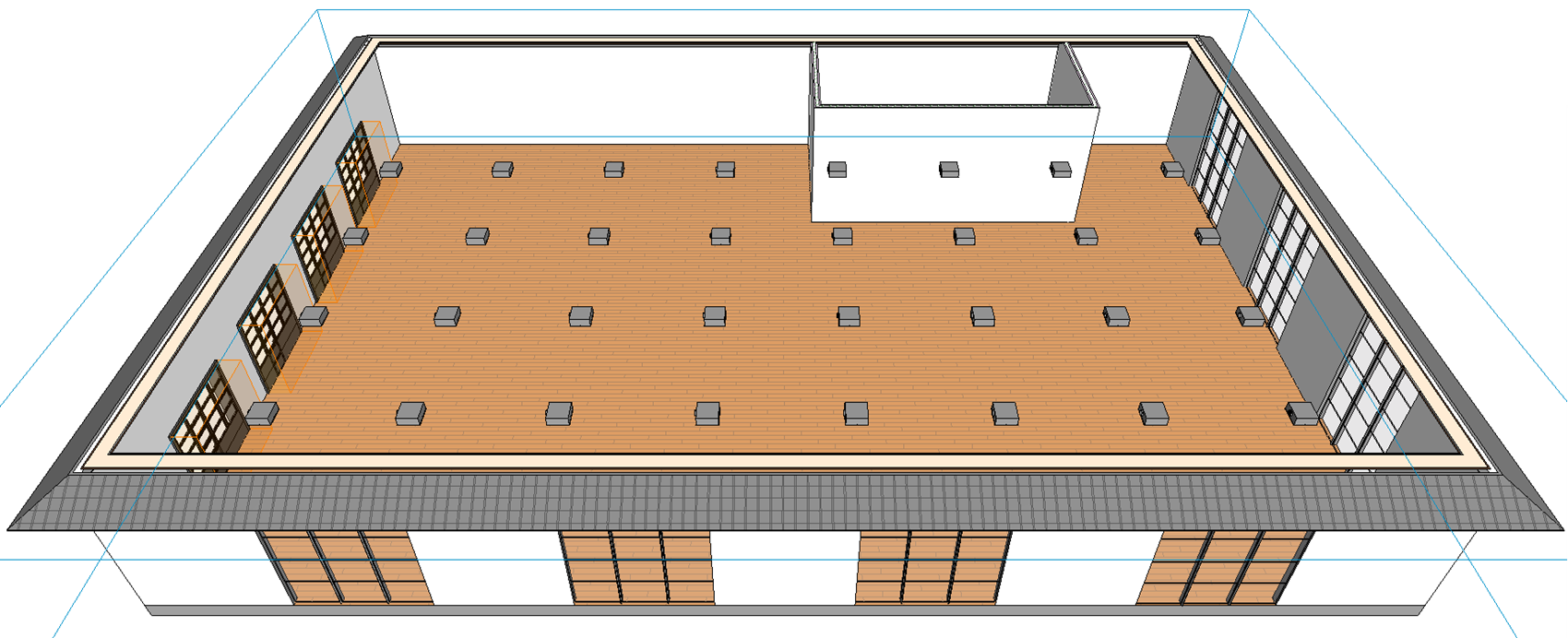
-
Set the construction height and offset.
-
In the section Mode , click
 .
. -
Select the desired component from the library.
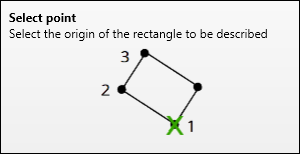
You will be asked to define the corner points for creating the grid.
-
Specify the points of the rectangle to be described.
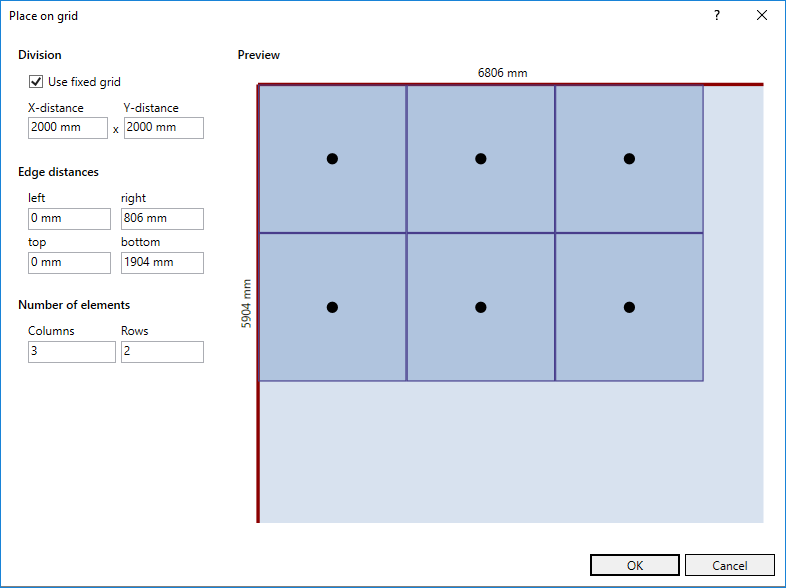
The Place on grid dialog opens.
-
Configure the grid and click OK.
The component is placed according to the configured grid. The placed components are selected.
-
Click
 on the library tab to rotate all components in the desired direction.
The components are placed.