-
Click the family for which you want to generate interference spaces.
-
Click
The family is opened in the family editor.
-
Click
The dialog Create Subcategories for LoG is opened.
-
Activate all desired Options and confirm your selection with clicking OK.
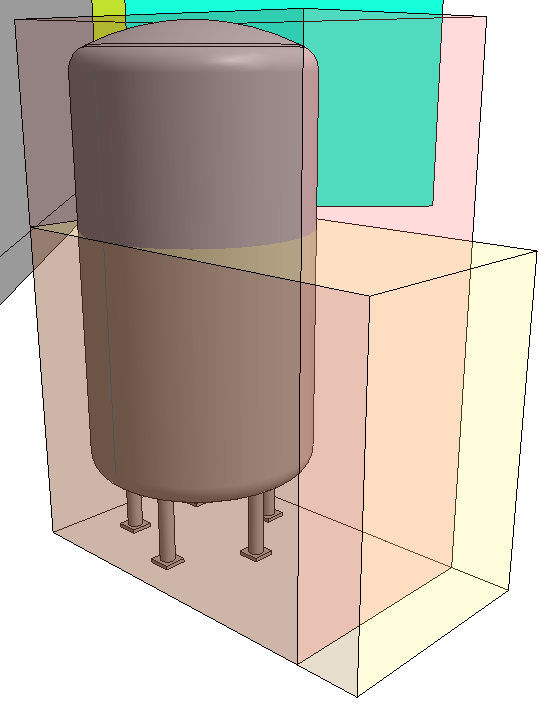
The activated interference spaces are generated based on the external dimensions of the family on the corresponding subcategories. A detailed modeling of the interference spaces is the responsibility of the user.
-
Click to load the family with the generated interference spaces into the project.
The family is in the project with the desired interference spaces. The interference spaces can be shown or hidden with the corresponding function in the properties dialog for views.