-
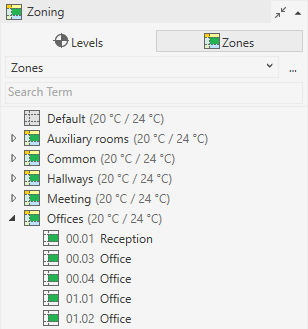
Open the Zoning section.
-
Right-click a space to open the context menu and click Properties.
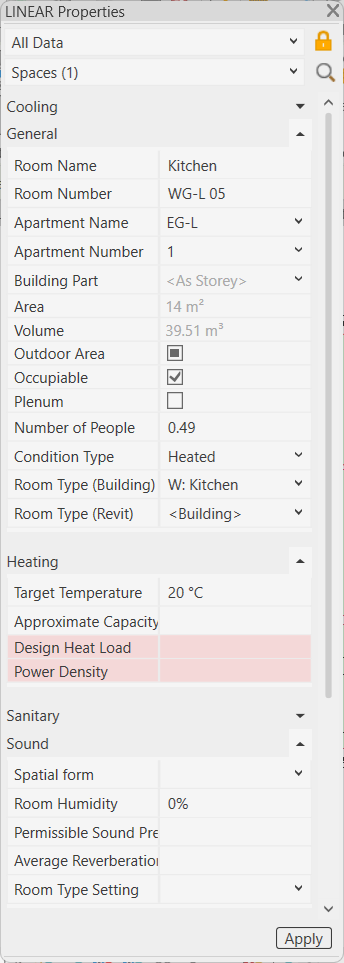
The Properties dialog for the space opens:
-
Adjust the properties.
-
Click Apply.
The parameters are written to the selected space.