-
Click Delete Schema
 in the toolbar.
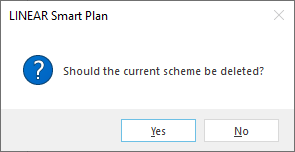
The following dialog opens.
-
Click Yes.
The complete pipe run scheme has been deleted. Created storeys and radiators of the project are preserved and displayed in the Building structure.
LINEAR Revit V26
Shows step-by-step how to delete a pipe run scheme.
Click Delete Schema in the toolbar.
The following dialog opens.
Click Yes.
The complete pipe run scheme has been deleted. Created storeys and radiators of the project are preserved and displayed in the Building structure.