-
Select one of the branches on the left from the Symbols overview
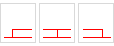 and drag and drop it onto an existing symbol.
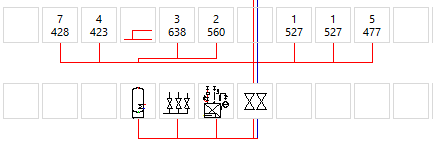
The symbols next to it are automatically moved and the branch is inserted at the desired position.
LINEAR Revit V26
Shows how to add an additional branch to a pipe run scheme.
Select one of the branches on the left from the Symbols overview and drag and drop it onto an existing symbol.
The symbols next to it are automatically moved and the branch is inserted at the desired position.